
Effective Dispatching Strategies: 8 Ways to Maximize Technician Time and Productivity
Effective dispatching strategies come down to one number: how much of the time you pay a technician for turns into completed, billable work. A tech on the clock for eight hours might spend three of them driving, waiting on a callback from the office, or running to the supply house for a part that should have been on the van. Every one of those hours costs you the same as an hour spent fixing a dryer.
Dispatch is where that number gets decided. The person running the board chooses which tech goes where, in what order, with what buffer, and with what information. Get those choices right and the same three trucks close more calls without anyone working later. Get them wrong and you will feel it as overtime, callbacks, and reviews that mention "waited all day."
Here are eight dispatching strategies we teach. None of them require new software, though good software makes several of them easier.
Table of Contents
1. Match the Tech to the Job Before You Match the Job to the Slot
Sending the wrong tech is one of the fastest ways to lose technician time. A newer tech in front of a built-in refrigerator with a sealed system problem is likely to call the senior tech, stall two jobs at once, and come back for a second visit anyway. That is a dispatch problem, and the board is where it gets fixed.
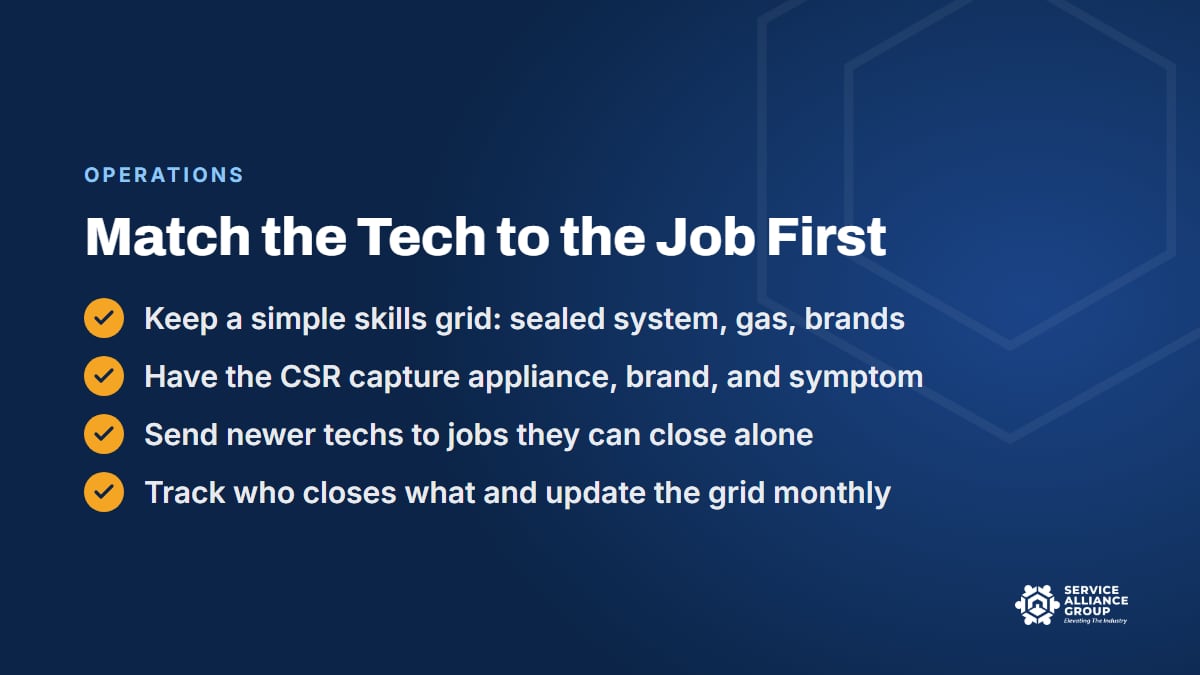
Keep a simple skills grid. Down the side, your techs. Across the top, the jobs that need judgment: sealed system work, gas ranges and dryers, front-load washer bearings (a two-person job on some models), high-end and built-in brands, commercial laundry, stacked units in a closet. Mark who can close each type alone, who can do it with a phone call, and who should ride along. Update it monthly as people grow.
Add a column for certifications. Technicians who service appliances that contain refrigerant need EPA Section 608 certification, and Type I covers small appliances such as household refrigerators and freezers. Sealed system jobs go only to techs who hold it.
The grid only works if the person booking the call captures what the grid needs. Appliance type, brand, model number if the customer can read it, and the symptom in the customer's own words. Our free Appliance Repair CSR Course covers intake and discovery, because the tech you dispatch depends on what the CSR wrote down.
Then track who closes what. If one tech's first-time complete rate on refrigerators is well below the others, the fix might be training, or that tech might keep landing the built-ins just because they happen to be free. The grid and the numbers together tell you which.
2. Build Zones and Appointment Windows That Fit Them
Two-hour windows sound good on the phone and can blow up the dispatch board by noon. Four-hour windows keep the route flexible and may cost you a few customers who want a tighter promise. The right answer is usually a window that fits how your zones run.
Split the service area into zones and give each truck a home zone for the day. The CSR offers the customer the day you are already in their area first: "We're on the north side Tuesday and Thursday. Does Tuesday between 8 and noon work?" Plenty of customers take the first option, and the ones who cannot still get a choice. The exceptions (no cooling, a leak, a gas smell) get handled in strategy 5.
Inside the zone, the window gives the board room to order the calls by geography instead of by who called first. The first call of the day is a fixed time, because the tech is leaving from home. Everything after it is a window. Confirmation texts the day before restate the window so nobody is surprised.
Zones are also what make routes short, and short routes are where the found hours come from. Our guide to route optimization goes deeper on drawing zones and measuring drive time per call.
3. Put Buffers Where the Day Actually Breaks
A dispatch board with eight calls stacked edge to edge is one stuck bolt away from an apology call to customers five through eight. A buffer is what lets a schedule survive a real Tuesday, which makes it technician time well spent.
Start with honest job durations. A diagnostic on a top-load washer is not the same block as a wall oven that has to come out of the cabinet. Pull the actual on-site times from your software for each job type and use the typical time, not the best day anyone ever had. Then add drive time between stops, not as the crow flies but at 4 pm on a school day.
Two buffers matter most:
- A mid-day buffer of 30 to 45 minutes, which absorbs a morning that ran long or becomes lunch when it did not.
- An open slot late in the day on each truck, which becomes the same-day call, the parts-return visit, or the place a delayed job lands without pushing anyone into overtime.
A board that runs on buffers finishes the day on time more often than a board that runs full. And a tech who is not sprinting between houses has time to explain the repair, which is how techs get asked for by name.
4. Treat Parts-Order Follow-Ups as Their Own Queue
Plenty of appliance repair jobs take two visits: diagnose, order the part, come back and install it. The second visit is where customers get lost. The part arrives on Wednesday, sits on the shelf until somebody notices on Monday, and the customer has already called the shop down the street.
Give parts-pending jobs their own queue on the dispatch board, with a status the whole office can see: ordered, received, scheduled. When a part is received, the rule is that the return visit gets booked the same day, into the zone day for that customer's address. Tag the part with the job number and put it on the truck the night before, not the morning of.
Dispatch the same tech back when the skills grid allows it. That tech already knows the machine, the customer, and where the breaker panel is, which usually makes for a shorter visit and a better one. If the diagnosing tech is out of zone, the job notes and photos from the first visit have to be good enough for a different tech to walk in cold.
Tell the customer the plan at the first visit: what was ordered, when it typically arrives, and that the office will call the day it lands. Then keep that promise. A parts-pending list reviewed every morning is one of the highest-return dispatching strategies there is, because it costs nothing and rescues jobs you already did the hard part of. Van stock built from real usage shrinks the list to begin with; our guide to inventory management for van stock and parts covers how.
5. Hold Same-Day Slots and Fill Them on Purpose
Some calls cannot wait for the zone day. A refrigerator full of food that stopped cooling, a washer leaking onto a finished basement floor, a dryer that smells like burning, a gas smell near a range: those go to the front of the line. Your CSR needs a short list of what jumps the line and what does not, and the authority to act on it.
The way to handle same-day calls without wrecking the day is to plan for them. Hold one same-day slot per truck, usually in the afternoon. If it is still open at 11 am, fill it deliberately: pull a parts-return visit forward, offer it to a customer on tomorrow's board who said any time is fine, or call the flexible customers on your waiting list. An empty slot at 3 pm is technician time you already paid for.
Same-day calls that fall outside the truck's zone get a choice: a trip fee for out-of-zone urgent calls, if your price book has one, or first thing tomorrow when you will be nearby. Either answer is fine. Sending a truck across town for free because the customer sounded upset is not.
The gas smell is the exception to all of this. It is a safety call before it is a repair call, so the CSR needs a safety script for it that comes before any talk of a time slot.
6. Communicate With the Tech and the Customer, Every Time
A lot of wasted technician time on a job site is a communication failure. The tech pulls up and does not know the model number, what the CSR promised, or that the customer has a dog that bites. The customer does not know who is coming or when, so they call the office, which calls the tech, which stops the job.
For the tech, the job note is the contract. Appliance, brand, model and serial if captured, symptom in the customer's words, what the CSR quoted (the diagnostic fee and whether it applies to the repair), gate codes, parking, pets, and anything from a previous visit. A five-minute morning huddle or a group text with the day's board catches what the notes missed.
For the customer, three messages cover it:
- A confirmation the day before with the window and the fee.
- An on-the-way text with the tech's name and photo, sent when the previous job closes.
- A running-late message sent before the window closes, not after the customer calls.
The free 5 Star Service Calls course covers the on-my-way message from the tech's side, since it sets up the whole visit. If your software takes status updates from the tech (arrived, in progress, complete), dispatch can watch the board move without a single phone call.
7. Have a Plan for Cancellations and No-Shows
A no-show costs you the slot, the drive there, and often a longer drive to the next call. You cannot prevent all of them, but you can stop treating them as bad luck.
Prevention comes first. The confirmation text the day before, with a reply option, catches the customers who forgot or already bought a new machine. A clear cancellation policy on the booking call and in the confirmation (for example, 24 hours' notice or the trip fee applies) makes the rest think twice. Home warranty jobs need their own reminder, because the warranty company often picked the shop, and the customer may not remember the appointment at all.
When it happens anyway, the tech follows the same steps every time: call, text, wait ten minutes, photograph the front door with a timestamp, note it in the job, and move on. The office refills the hole from the waiting list or pulls tomorrow's closest call forward. Whether you charge the trip fee depends on the policy you set, and on whether you told the customer about it up front.
Then track the rate. If no-shows cluster on one CSR, one window length, or one lead source, that is a fix, not a fact of life.
8. Watch the Dispatch KPIs Every Week
You cannot improve technician time you do not measure. Five numbers, pulled from your software on Friday and posted where the whole team can see them:
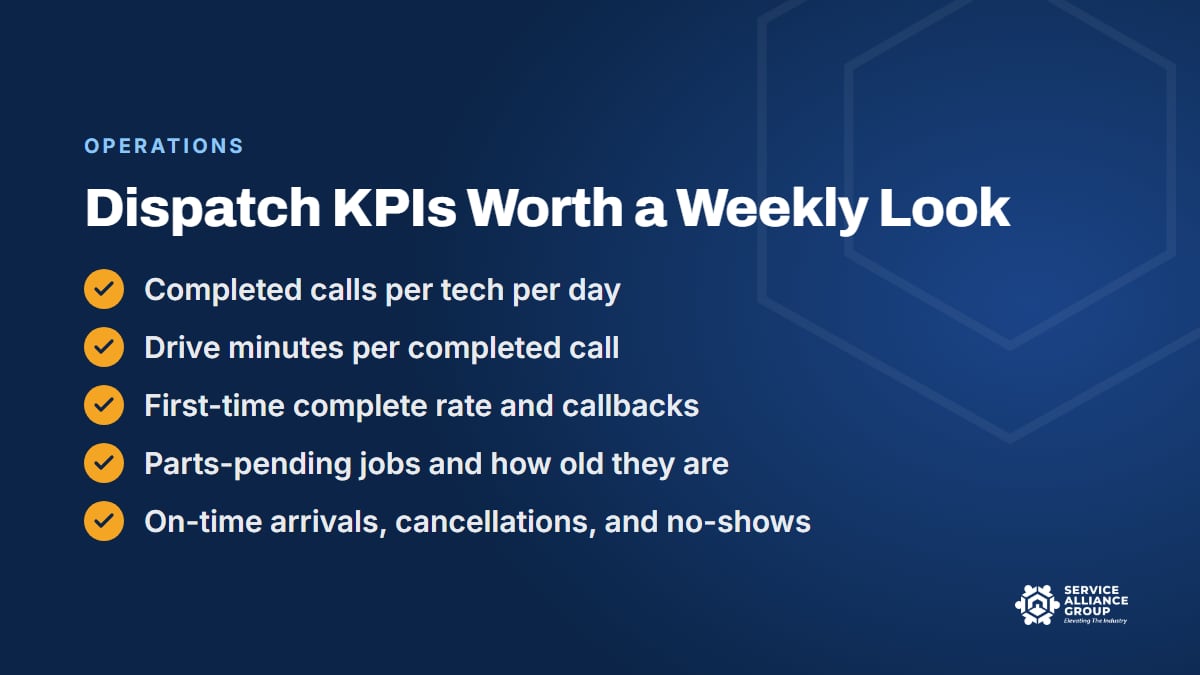
- Completed calls per tech per day. The headline number. Watch the trend, not one bad day.
- Drive minutes per completed call. The zone and window strategies show up here first.
- First-time complete rate and callbacks. Skills matching and job notes show up here.
- Parts-pending jobs and their age. Anything older than the part's lead time plus two days is a problem.
- On-time arrivals, cancellations, and no-shows. The customer-facing number and the leak.
Review them in the same 15-minute meeting every week. When a number moves, ask which of the eight strategies above it points at. That is the whole system: the KPIs tell you where the technician time went, and the dispatching strategies tell you how to get it back.
One more thing the numbers will tell you. If you are still running the board from the driver's seat between calls, there is a day when the math says dispatch needs its own person. The SBA's guide to hiring and managing employees covers the basics of bringing on that first office hire, and your state will have its own requirements to check. The Scale stage of the S.O.S. Course covers when to hire and how to choose the first hire.

Where the S.O.S. Course and the SOP Library Come In
Dispatch is a system, and systems are what we teach. The Operate stage of the S.O.S. Course covers the KPIs that run a shop and the first-time fix rate, and it includes a lesson called Scheduling, Dispatch and Route Density. The Scale stage picks it up with Multi-Truck Dispatch and Capacity Planning, for when the board gets too big for one person's head. It is one course in three stages, with 70 lessons, more than 21 hours of training, and 70 downloadable tools, including 12 live spreadsheets.
The written procedures behind everything above (the parts-pending routine, the no-show steps, the on-the-way message) belong in your SOPs, so that a new dispatcher runs the board the way the last one did. The SOP Library has 159 editable documents in 13 categories, and its Operations category includes dispatch and scheduling procedures you can adapt to your shop. Both are in the member portal, and the library is included in monthly All-Access.
Frequently Asked Questions
How many calls a day should an appliance repair tech run?
It depends on your zones, your mix of diagnostics and installs, and your drive times, so measure your own shop before borrowing a number. The useful question is what the trend is doing: if completed calls per tech per day climb while callbacks and overtime hold steady, your dispatching strategies are working. Chasing a number from another market can produce sloppy work and long days.
Should appointment windows be two hours or four?
Match the window to how your zones and buffers actually run. A shorter window is a promise you have to keep on every call, and a board that keeps it will usually fit fewer calls per day. A four-hour window inside a zone day, with an on-the-way text so the customer is not stuck waiting, works for plenty of customers and keeps the route flexible.
Who should handle dispatch in a small appliance repair shop?
At one or two trucks, the owner or the CSR usually runs the board, and that works as long as somebody owns the parts-pending list and the morning review. Once the board takes more than an hour or two a day, run the numbers on giving dispatch its own person, because a half-managed schedule can cost more in technician time than the hire would.
What is the biggest dispatching mistake to avoid?
Booking calls in the order they came in. It fills the board fast and makes the day look full, but it sends trucks back and forth across the service area and leaves no room for the same-day call or the parts return. Zones, windows, and buffers exist to fix that one habit.
Run the board this way for a month and look at the KPIs again. The found hours are already in your payroll. Dispatch is how you get them back.