Appliance Repair Scheduling Software: 8 Essential Features to Compare
Choosing appliance repair scheduling software is hard to do from a comment thread. Post "What is everyone using?" in a group of owners, like The Alliance, our free Facebook group, and you can expect a long list of different answers, because a one-truck shop and a nine-truck shop with two CSRs and a warehouse are not shopping for the same thing.
You will not find a ranked list of products here. Prices, features, and contract terms change often, and a list of 21 apps with pros and cons (which is what an earlier version of this article was) goes out of date quickly. What does not change is what an appliance repair shop needs its field service software to do. So this is a decision framework instead: the eight features that matter for this trade, how to run a trial, how to protect your data, and what not to buy.
Table of Contents
Start With How Your Shop Runs, Not With a Demo
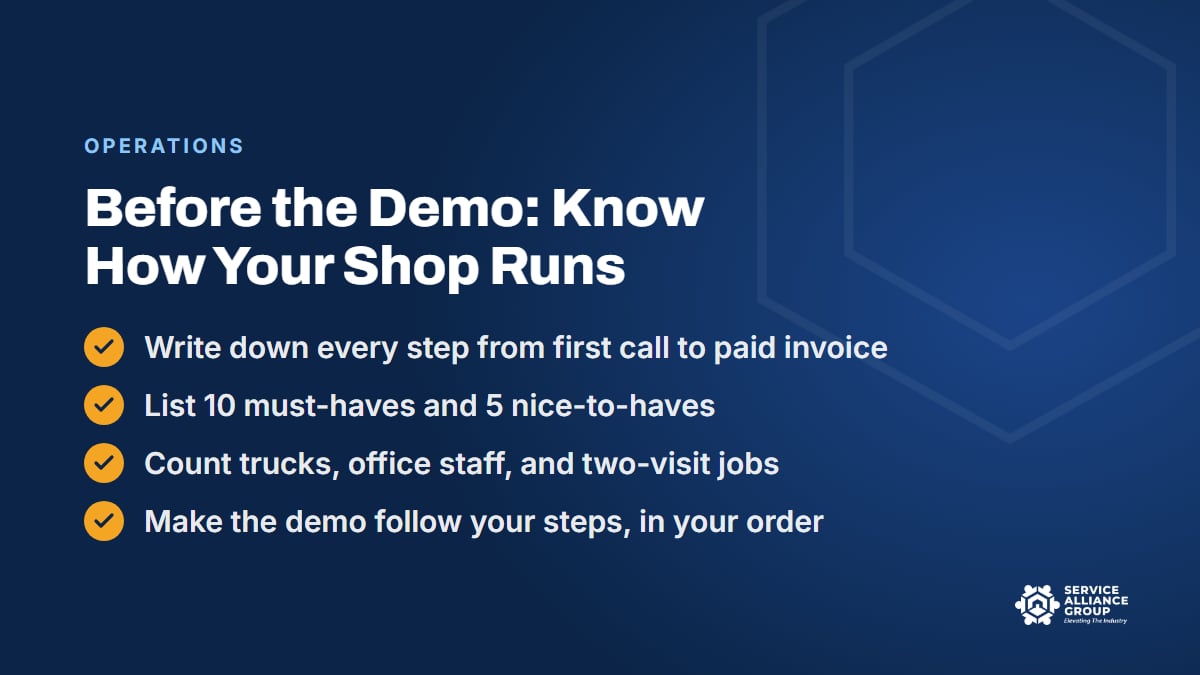
Every demo is designed to make the product look like the answer. The only defense is to know the question before you sit down. Take an hour and write down how a job moves through your shop today, from the first ring to the deposit in the bank.
The list might look something like this. The call comes in, the CSR qualifies it and books it, the job lands on the board, a tech is assigned, the customer gets a confirmation, the tech drives, diagnoses, quotes, and either repairs or orders a part, the customer pays something, the part comes in, the return visit is booked, the job closes, the invoice syncs to the books, and a review request goes out. Home warranty jobs add a portal and a different invoice. Commercial accounts add net terms.
Next to each step, write who does it and what breaks most often. That is your requirements list, and it is more honest than any feature checklist. From it, pull ten must-haves and five nice-to-haves. Then count what the field service software will have to support: trucks, office staff, how many jobs need a second visit, and whether you invoice home warranty companies.
The only appliance repair scheduling software that fits is the one that handles your list. Bring it to every demo and make the salesperson show you those steps, in that order, on their screen.
Features 1 to 4 of Good Appliance Repair Scheduling Software
The first four features decide whether the software helps the office get techs to the right house with the right part.
1. Scheduling and the dispatch board
The scheduling board is where the office will live, so it has to fit how you dispatch. Look for a day view with a column per tech, drag-and-drop between techs and times, appointment windows (not just start times), and color by job status. The status flow should match yours: booked, confirmed, on the way, in progress, parts pending, complete. If parts pending is not a status, or you cannot add one, keep looking.
Ask how the board handles a job that runs long. Can the office see it from the tech's status update and shift the rest of the day, or does somebody have to phone the tech? Ask how it handles zones: can you tag jobs or customers by area and see it on the board? Booking by zone is most of what route optimization comes down to, and your scheduling software should make it easy rather than fight you.
2. Routing and a map of the day
A map view of each truck's day, with drive time estimates between stops, is often the first feature to earn its keep. It catches the call booked on the wrong side of town before the tech drives there. Drag-and-drop reordering on the map, a live location for each truck, and an on-the-way text that goes out from the tech's phone when they leave the previous job are the pieces to check.
Automatic routing (the scheduling software choosing the stop order for you) is nice but not required for a shop that already books by zone. Judge the routing feature on whether a dispatcher can look at tomorrow in 10 minutes and fix it, not on the algorithm.
3. Parts orders and two-visit jobs
This is where general-purpose scheduling tools fall apart and where appliance repair scheduling software earns its name. Plenty of your jobs span two visits with a part order in between. The software needs a parts-pending state, a way to record what was ordered and from whom, a place to mark it received, and a prompt to book the return visit when it lands. Fields for model and serial number should be on every job, not buried in the notes.
Look for a parts list on the estimate with your markup applied automatically, and for some way to track van stock, even a simple one. If the software cannot tell you which jobs are waiting on parts and for how long, you will end up running that list on a whiteboard anyway. Van stock is its own discipline, and our guide to inventory management for van stock and parts covers it.
4. Customer texts and confirmations
Four messages should go out without anyone typing them: a booking confirmation, a reminder the day before with the window and the fee, an on-the-way text with the tech's name and photo, and a review request after payment. Check that the templates are editable so they sound like your shop, that customers can reply, and that replies land where the office will see them.
Send that review request to every customer. Google's policy on fake engagement prohibits selectively asking for positive reviews, so skip any review feature that screens out unhappy customers before they see the link.
Two-way texting from the office is worth having. So is a log of every call and text on the customer record, so the tech can see what the CSR promised. If the platform records calls, remember that call recording consent rules vary by state. Check yours before you turn it on.
Features 5 to 8: Mobile App, Payments, Reporting, and Integrations
The next four decide whether your techs can use the field service software in a laundry room and whether the office ever gets real numbers out of it.
5. A mobile app techs will actually use
The tech's side of any field service software gets used in basements with one bar of signal, standing up, with a flashlight in the other hand. It has to work offline or nearly so, and it has to be fast. Count the taps from "arrived" to "paid." Photos and notes on the job, model and serial capture, a way to present repair options (not just one price), a signature, and payment should all be there.
The best test is a tech, not a demo. Hand the app to your most impatient technician for two days on real calls. If they go back to paper on day three, the feature list does not matter.
6. Invoicing and payments
Look for card on file, tap-to-pay from the tech's phone, deposits on special-order parts, and a diagnostic fee that can be applied to the repair without manual math. Check that sales tax is handled the way your state requires on parts and labor, and confirm that with your accountant, because it varies. If you do home warranty work, ask how the software handles invoicing a company instead of the homeowner and tracking what they still owe you.
Ask about payment processing fees and whether you are locked into the platform's processor. Fees are not a deal-breaker, but they are a line in your cost of doing business, and they belong in the comparison.
7. Reporting you will actually read
Six reports cover most of what a repair shop needs weekly: calls booked versus completed, booking rate by CSR, first-time complete rate, revenue per tech per day, parts-pending jobs by age, and callbacks. If the software can produce those without a spreadsheet export, that is a strong sign. If it can only produce a revenue total, it is an invoicing tool with a calendar attached.
Ask whether you can build a report on a custom field. You will want one eventually, for lead source, for home warranty company, for brand.
8. Integrations
Your field service software will not be your only tool. Check the connections that matter to you: your accounting software (two-way, not just a monthly export), your phone system or call tracking, your marketing and review tools, and your card processor. An open API or a connection to a common automation platform is a good sign for the future even if you do not use it today.
Be skeptical of an integration that is "coming soon." Judge the product on the connections it has on the day you sign.
Data Ownership: Make Sure You Can Leave
Before you sign up for any field service software, ask two questions and get the answers in writing. Who owns the data, and how do we get it out? You should be able to export customers, jobs, invoices, and notes in a plain spreadsheet format at any time, without a support ticket and without a fee. Test it during the trial: export on the last day and open the file.
This is not only about switching software later. Your invoices and payment records are business records you are expected to keep. The IRS small business pages link to recordkeeping basics; ask your CPA how long your records need to be kept and make sure your export covers it. A platform that makes it hard to take your customer list with you has the upper hand when your renewal comes up.
Read the contract for term length, auto-renewal, per-user pricing as you add techs, and what happens to your data if you stop paying. Some field service software vendors ask for an annual contract or an onboarding fee. A long commitment can be fine for a shop that has done the trial and knows the tool fits. It is a mistake for a shop that is guessing.
How to Run a Trial That Tells You the Truth
A demo shows you what the software can do. A trial shows you what your shop will do with it. Run it like this:
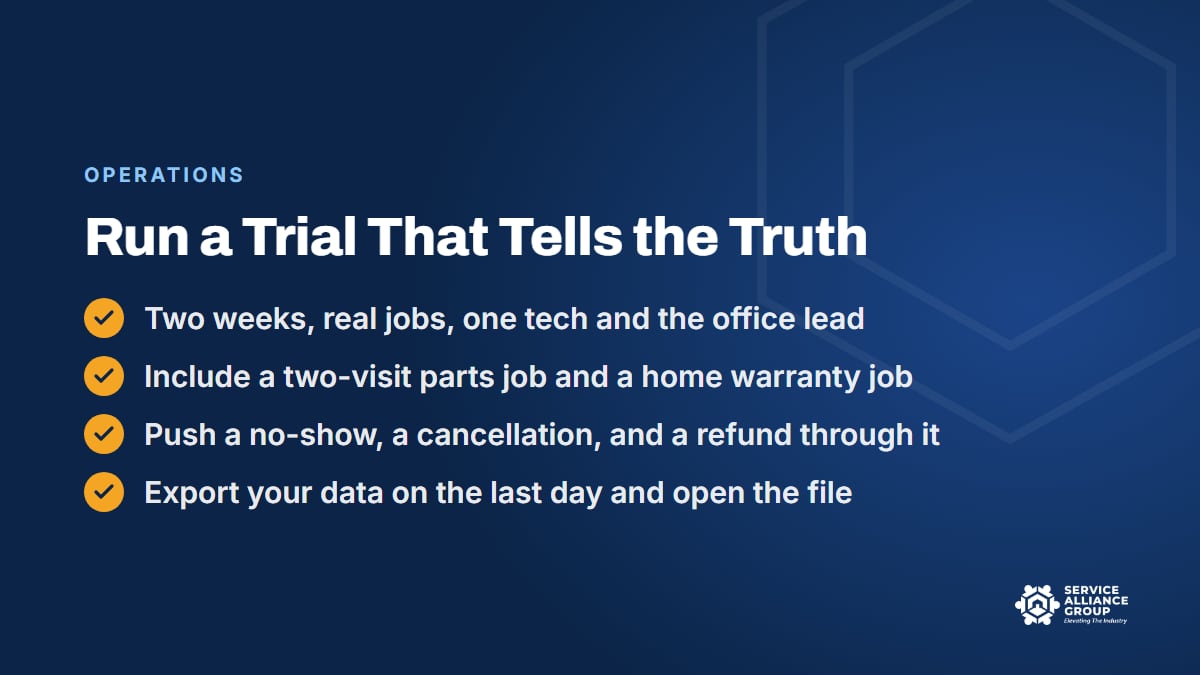
- Two weeks, real jobs. One tech and the office lead run all of their scheduling and jobs through it, while the rest of the shop stays on the old system. Do not run the whole company on a trial.
- Include the hard jobs on purpose. A two-visit job with a part order, a home warranty job, a job that runs long, a no-show, a cancellation, and a refund.
- Set up the texts on day one with your own wording, and watch what the customer receives.
- Import a slice of your customer list and see what breaks: duplicates, missing phone numbers, addresses that will not map.
- Open two support tickets during the trial, one simple and one hard, and time the answers. Support is a feature you will use for years.
- Export everything on the last day and open the file.
- Ask the tech and the CSR separately what they liked and what they worked around. The workarounds are the findings.
Score the trial against the ten must-haves you wrote before the demo. If two products both pass, the simpler one with the better support usually wins over the one with more features you will not use. Appliance repair scheduling software is a tool you will touch a hundred times a day, and the trial is the only place you find out how that feels.
What Not to Buy
A few buying patterns can cost you a year and a lot of money. Avoid:
- The platform built for another trade, with modules you will pay for and never open. If the demo spends ten minutes on features that do not apply to appliance repair, that is where the product's attention goes, and your two-visit jobs will be an afterthought.
- The enterprise system for a one-truck shop. A long contract, an onboarding fee, and a per-seat price can make sense at ten trucks. At one, they eat the profit the software was supposed to protect.
- The generic calendar or scheduling app with no parts tracking, no invoicing, and no job status. It is fine for a barber. It is not appliance repair scheduling software, and you will end up running the real business on a whiteboard next to it.
- Anything that cannot export your data, or charges you to do it.
- Anything that needs custom development to handle a parts order. If the basic job flow of your trade requires a consultant, the product is wrong for the trade.
- The tool a friend swears by, just because they swear by it. Their shop is not your shop. Run the trial.
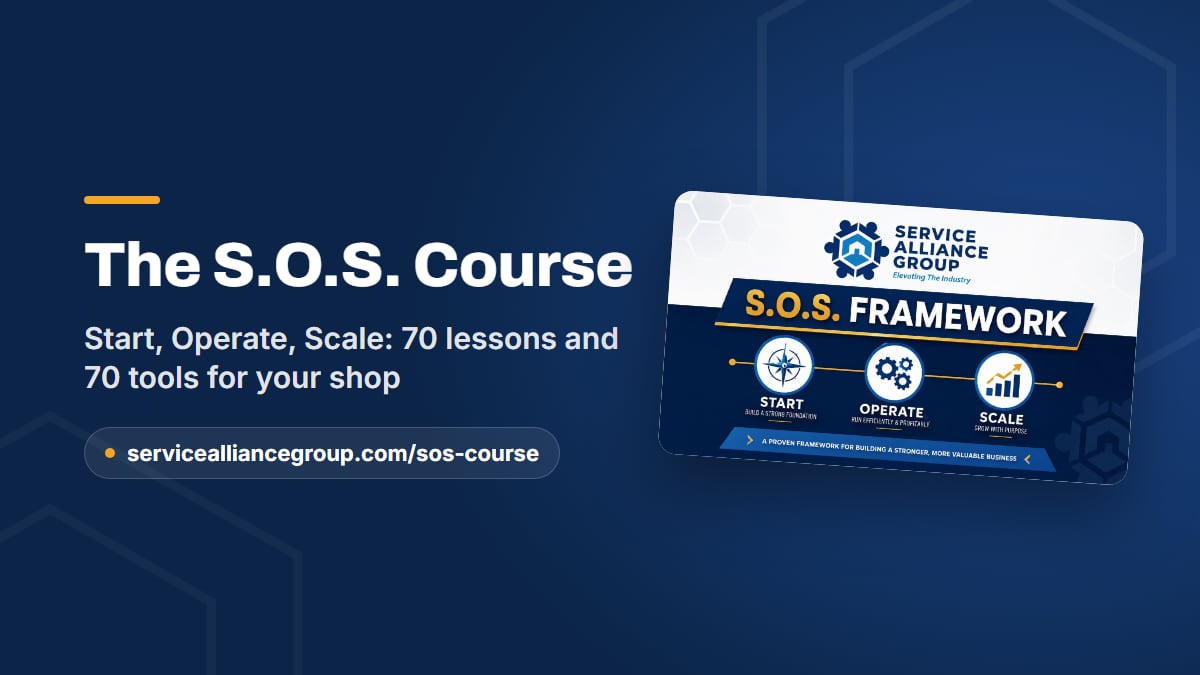
Where the S.O.S. Course Fits
Picking field service software is one decision among dozens in a repair shop, and it goes better when the rest of the operation is built on numbers. The S.O.S. Course, our one course in three stages, covers software in two places. FSM Software Selection: Decision Framework is a lesson in the Start stage, alongside legal setup, the pricing math, tools and the van, and first customers. What NOT to Buy: Tech Stack Traps comes later, in the Operate stage.
The course runs 70 lessons and more than 21 hours, with 70 downloadable tools including 12 live spreadsheets, a quiz at the end of each stage, a master test, and a certificate. Once you have chosen the software, the written procedures for using it (scheduling and booking, the parts-pending routine, the no-show steps) belong in your SOPs. The SOP Library has editable documents to start from in its Operations category and its Technology and Security category. Both are in the member portal.
Whatever scheduling software you choose, it runs on the numbers you feed it. If you have never worked out your true hourly cost, the free Cost of Doing Business calculator is where the pricing fields in any platform should start.
Frequently Asked Questions
Does a one-truck appliance repair shop need scheduling software?
It needs a scheduling system, and software is usually the easiest one to keep. The value at one truck is less about the board and more about the customer record, the automatic texts, and the parts-pending list that stops jobs from falling through the cracks. Choose something simple, month to month, that can export your data. You can outgrow it later without losing your records.
What is the difference between scheduling software and field service software?
Scheduling software books appointments on a calendar. Field service software runs the whole job: booking, dispatch, the tech's mobile app, estimates, parts, invoicing, payments, and reporting. An appliance repair shop needs the second kind, because the parts order and the return visit are where a calendar-only tool falls apart. The eight features above are the test.
How long should a software trial last?
Two weeks of real jobs with one tech and the office lead is enough to see the truth, as long as you push the hard cases through it: a two-visit parts job, a home warranty job, a refund, a no-show. A trial where you only book easy calls will make every product look good, and you will find the problems after you have signed.
Should I sign a twelve-month contract for appliance repair scheduling software?
Only after a trial has shown the product fits the shop and you have confirmed, in writing, that you can export your data at any time. A long contract on a product you have not run real jobs through is a bet with your operating cash. If the vendor will not offer a trial or a short first term, that tells you something too.
The right appliance repair scheduling software is the one your tech uses in the basement and your CSR uses on the phone without a workaround. Write the list, run the trial, and keep the export.