
Appliance Part Numbers: 6 Smart Ways to Order the Right Part the First Time

Appliance part numbers are where a good diagnosis either turns into a finished repair or a box headed back to the distributor. Your tech can run every test the right way, find the failed component, and still lose the job at the order screen because one character was off.
If your shop orders parts, you have almost certainly paid for that mistake. The part arrives, the tech drives back out, the customer takes another morning off work, and the part does not fit. Now you are waiting on the right part with the wrong one still to send back.
Here is the ordering side of the job from the owner's chair: what a wrong part really costs, and six ways to confirm the part number before anyone clicks order. The diagnosis belongs to the service manual for that model. The process around it belongs to you.
Table of Contents
What a Wrong Part Really Costs Your Shop
A restocking fee, if your distributor charges one, is the cost of a wrong part you can see on a statement. It is rarely the biggest one.
Walk through a week with example timing. On Monday, a tech diagnoses a refrigerator that is not cooling and orders the part. It arrives Wednesday, and the office books the return visit for Thursday.
On Thursday, the tech opens the box in the customer's kitchen and the part is wrong. The right part gets ordered, lands the following Tuesday, and goes in on Wednesday. A repair that should have wrapped up in four days took ten, and the customer lived out of a cooler the whole time.
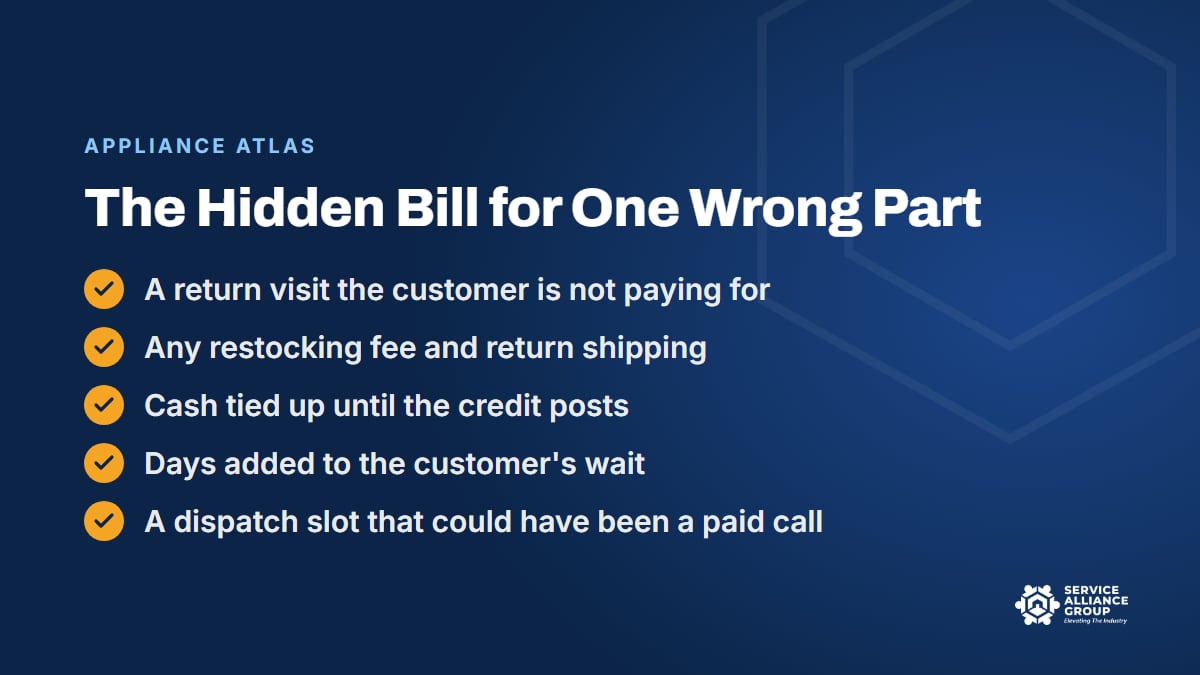
Here is what that one wrong part cost the shop:
- A second trip nobody is paying for. Drive time, time on site, and fuel, all against a repair price the customer already agreed to.
- Any restocking fee and return shipping. If your distributor charges to take back a part that was not defective, that charge comes out of the job, and some parts may not go back at all once opened. Your distributor's return policy sets the rules.
- Cash. You paid for two parts and, at best, will wait on a credit for one of them.
- The customer's patience. The first wait was expected. The second one is on you, and it is the wait that ends up in a review.
- A paid call you never ran. The Thursday slot could have gone to a new customer.
Add those up and one wrong part can wipe out the profit on the job it was ordered for. Put a real number on it with your cost per billable hour from the free Cost of Doing Business calculator, and you will know what a few extra minutes of checking appliance part numbers is worth.
1. Start With the Full Model and Serial Number
Appliance part numbers are only as reliable as the model number you look them up with. A wrong model number produces a wrong part number with total confidence, because the parts list for a machine that is one character off will give you a clean, specific, wrong answer.
Model numbers carry more information than they seem to. On a lot of brands, a few characters near the end mark the color or finish, and others mark a production revision. That matters at the parts counter, because handles, knobs, and door panels are often sold by color, and internal parts can change between revisions of what looks like the same machine.
The serial number matters for the same reason. Manufacturers change parts partway through a production run, and a parts list may show two different numbers for one component depending on the serial range or build date. Without the serial, you are guessing which side of that change the customer's machine sits on.
Three habits keep the model number clean:
- The tag is the only source. Not the retailer's receipt, not the home warranty dispatch, not the cover of the owner's manual, and not the model the customer remembers buying.
- Photograph it every time. A photo of the tag in the job file settles the model question for good, for the tech, the office, and anyone who works on that machine later.
- Type it once, paste it everywhere. The number gets keyed into the job record one time, checked against the photo, and copied from there. Retyping is where a B becomes an 8, a 5 becomes an S, and a slash disappears.
Getting that photo can start at booking. Our guide to appliance service manuals covers where the tag usually hides and why the full number matters for finding the right documents.
2. Confirm the Diagnosis Before You Look Up a Part Number
A perfect part number for the wrong component is still a wrong part. Plenty of wrong parts have no typo in them at all. The mistake is the guess behind them.
The fix is a rule, not a talent: appliance part numbers go on an order only after the test procedure in the service manual for that model has confirmed the component, and the result is written in the job notes. Order what the test proved, not what usually fails on that kind of machine. Our guide to appliance error codes explains why a code alone is not a diagnosis.
Two more questions belong in this step, because each one changes the order or the return visit:
- Did something else cause the failure? Sometimes a failed part is a symptom, and the manual's troubleshooting points at a second problem behind it. If the job needs two parts, you want both on one order, not two orders a week apart.
- Who can install it? If the diagnosis points into a refrigerator's sealed system, the return visit needs a technician with EPA Section 608 certification. Check that before the part ships, so the right person is on the schedule when it lands.
3. Read the Parts List for That Exact Model
The parts list is where appliance part numbers actually come from. It usually has two halves: exploded drawings of each section of the machine, and a table that matches each numbered callout on a drawing to an OEM part number and a description.
Read it in that order. Find the component on the drawing, note its callout number, and read across to the table. Searching the table by name is where mistakes creep in, because the same part might be listed as a pump, a drain pump, or a pump and motor assembly, and one model can carry several parts with nearly identical descriptions.
Then read the columns that are easy to skip:
- Notes and conditions. A color, a serial range, or a line like "for models with ice maker" tells you whether that number applies to this machine.
- Quantity. Some parts are used more than once on the same machine, and some are sold in packs.
- Assembly or single part. A small component may only be sold as part of a larger assembly, which changes the price, the quote, and sometimes the time on site.
- Availability. A part marked no longer available changes the whole conversation before anyone orders anything.
Pull the list from a current source: the manufacturer's servicer portal, your distributor's lookup for that exact model, or the service documentation for the machine. Treat "fits these models" lists on retail parts sites as a starting point at most, and confirm against the parts list for the model on the tag.
4. Check for Superseded Appliance Part Numbers
A superseded part number is one the manufacturer has retired and replaced with a new one. It happens when a part is redesigned, a supplier changes, or several versions get consolidated into one. The old number points to the new one, sometimes through a chain of several numbers, and the newest number at the end of the chain is the one that ships.
Superseded appliance part numbers cause trouble in predictable places:
- The failed part itself. The number printed on a component is not always the service part number you order by, and even when it is, it may be years out of date.
- Old documents and old orders. A manual downloaded long ago, last year's invoice, or a saved favorite in your ordering account can all carry retired numbers.
- Your van stock labels. A bin labeled with an old number keeps the office reordering by a number the manufacturer has retired.
- The box itself. The replacement may look different from the old part, or come as a kit with extra pieces and its own instructions, which is a bad surprise for a tech nobody warned.
The habit that handles all four is simple. Run every number through your distributor's current catalog on the day you order, even the ones you have ordered a hundred times. When a number has changed, note the old and new numbers in the job file, warn the tech if the new part looks or goes in differently, and update the van stock label and your stock list that same week.
5. Check Price and Stock Before You Promise a Date
Confirmed appliance part numbers still need two more checks with your distributor before anyone gives the customer a price or a return date: what the part costs you today, and when it can actually be in your hands.
Price first. Part costs change, and a quote built on last quarter's cost can quietly eat your margin on an expensive part. Build the customer's price from today's cost and your markup rules, and collect a deposit on special-order parts, since a canceled job can leave you owning a part nobody else needs. Our guide to appliance repair pricing covers tiered parts markup and pricing the second visit.
Then stock. "In stock" can mean on a shelf across town or in a warehouse two days away, so ask where and when. If the part is on backorder, find out before the customer agrees to the repair, not after, because a long wait may still be the right call for them but it is their call to make.
When the news is bad, tell the customer straight:
- Backordered. Give the honest date, and check whether another distributor has the same OEM part number on the shelf before you promise anything.
- No longer available. The repair may not be possible at all, and a plain repair-or-replace conversation is how you keep the customer's trust. Our free 5 Star Service Calls course covers how to be the honest advisor in that conversation.
- Expensive. Present options instead of one number, and let the customer decide with the real price in front of them.
6. Write Down How Your Shop Orders, Receives, and Returns Parts
Checking appliance part numbers works when one careful person does it on a calm day. Wrong parts happen on the other days: the slammed Monday, the new hire's first week, the office manager's day off. Writing the process down is what makes it hold up then.
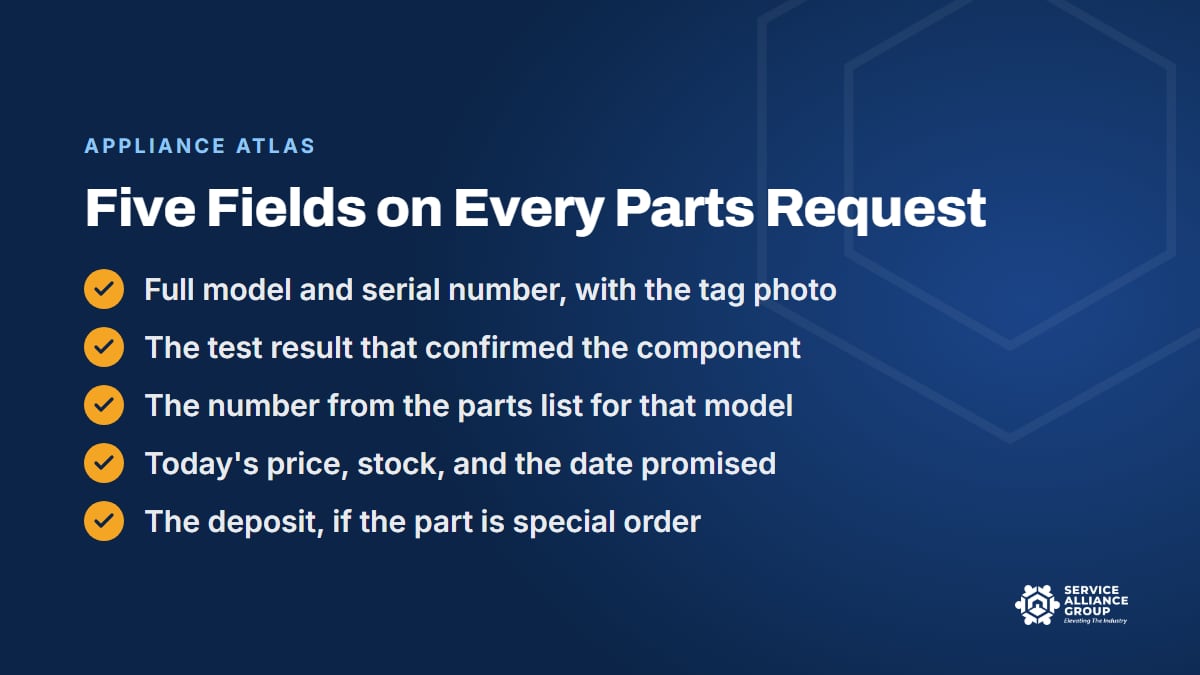
Start with the order. Decide who is allowed to place orders, and require the same five fields on every parts request before an order goes in:
- The full model and serial number, with the tag photo attached.
- The test result that confirmed the component.
- The part number from the parts list for that model, with any superseded number noted.
- Today's price and stock, and the date promised to the customer.
- The deposit collected, if the part is special order.
Then add a second set of eyes. When the order confirmation comes back, someone other than the person who placed the order compares it with the request. It takes a minute, and it catches typos and substitutions nobody asked for. In a one-person shop, that second look is you, before the order goes in, reading the request as if someone else wrote it.
Check the box against the request the day it arrives, not the morning of the return visit. A wrong box found at the shop costs a phone call. The same box opened in the customer's kitchen costs a trip.
Returns, cores, and warranty parts
Some wrong parts will still get through, so the return side needs rules too. Every part going back needs the job number, the reason, and the date on it before it leaves the van, and every expected credit needs a line in a log that someone checks against the distributor statement. Return windows close, a core charge comes back only when the old part does, and manufacturer warranty claims can carry their own deadlines for returning the failed part.
Our inventory management guide walks through the full returns routine. If you would rather adapt a procedure than write one from a blank page, the Parts and Warranty category in the SOP Library gives you editable documents to start from.
Count your wrong parts
Finally, keep score. Log every wrong part with its cause: a bad model or serial number, a typo, a superseded number, a guessed diagnosis, or a distributor mistake. The pattern tells you which of the six steps your shop is skipping, and the weekly review in our first-time complete rate guide is a good place to go over it.
How Appliance Atlas Confirms the Part Before You Order
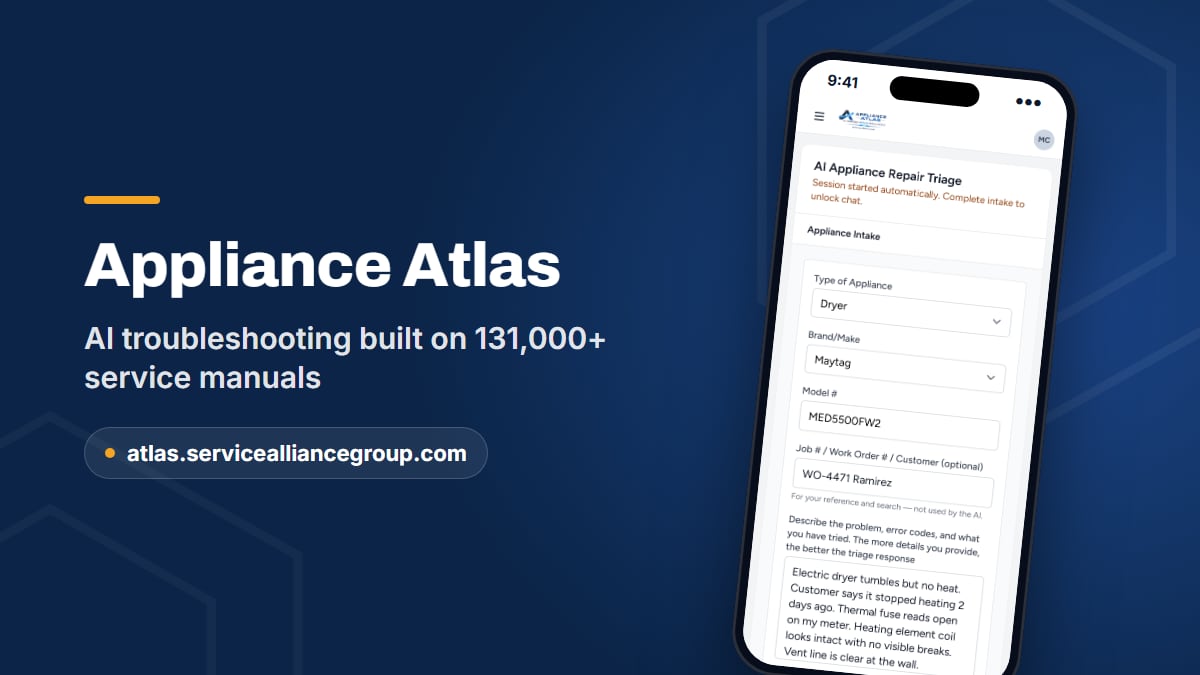
Steps two through five are where a tech in the field burns the most time: finding the right manual, running the right test, and checking the number with a distributor while the customer waits. Appliance Atlas is built to cut that time down.
Your tech types in the brand, the model from the tag, and the symptom. Atlas finds the service documentation for that model in its library of 131,000+ service manuals and answers from those pages: what the error code means on that machine, how to test it, and which components to check. That narrows the diagnosis to the component before anyone looks up a part number.
Then Atlas confirms the OEM part number against a live wholesale catalog and shows the price and stock before you order. That check can happen while the tech is still standing in front of the customer, so the conversation about price and availability runs on real information instead of a promise to call back later.
The rest of the tool supports the habits in this post. Searches are saved and searchable, so a model you looked up last month is easy to find the next time that machine shows up. Seats cover the whole crew, techs can request a missing model from inside the app, and manuals download as PDFs. It is built for a phone, because the field is where the ordering decision usually gets made.
Atlas still works from the model number the tech enters, so step one never goes away. Photograph the tag, enter the full number, and let Atlas do the reading. It is a standalone subscription with its own sign-up at atlas.servicealliancegroup.com. Once your crew is on it, run a job that came back with a wrong part through it and see whether the answer would have changed the order.
Frequently Asked Questions
Why does the number on the old part not match the parts list?
The number printed on a component can be a production or supplier number rather than the service part number you order by. Even when it is the service number, it may have been superseded since the machine was built. Order from the parts list for the exact model and serial on the tag, then run that number through your distributor's current catalog to get the number that ships today.
Who should place parts orders in a small shop?
One person or one role, even if that person is the owner. Techs send a parts request with the five fields from their phones, and the person who orders checks it before anything goes in. In a one-truck shop, the tech and the orderer are the same person, so separate the two jobs by a pause instead: request first, then a fresh look. Nobody should pull appliance part numbers from memory in a driveway.
Can we send a wrong part back to the distributor?
That depends on your distributor's return policy, so read it before you need it. Look for the return window, the condition and packaging the part has to be in, whether a restocking fee applies, and which parts cannot go back once opened. If a part cannot go back, decide whether it earns a spot in van stock, whether another shop nearby can use it, or whether it is a write-off worth logging.
How do we keep new techs from ordering the wrong part?
Let the process do the checking. Require the tag photo and the test result before any order, have someone other than the person who placed the order compare the confirmation with the request, and give new techs a quick way to check the manual for the exact model before they order. Our guide to training new appliance technicians covers the rest of the ramp-up.
Wrong parts feel like bad luck, but a look through your own log usually turns up a skipped step, and skipped steps can be fixed. If you want to hear how other owners run their parts desks and keep appliance part numbers straight, ask in The Alliance community on Facebook.