Our New and Improved SOP Library: The Largest Ever Built for Appliance Repair
Our SOP Library is new and improved. We completely updated and revamped it with newer, more up-to-date SOPs and business documents, and it is now the largest SOP and document library ever built for the appliance repair industry.
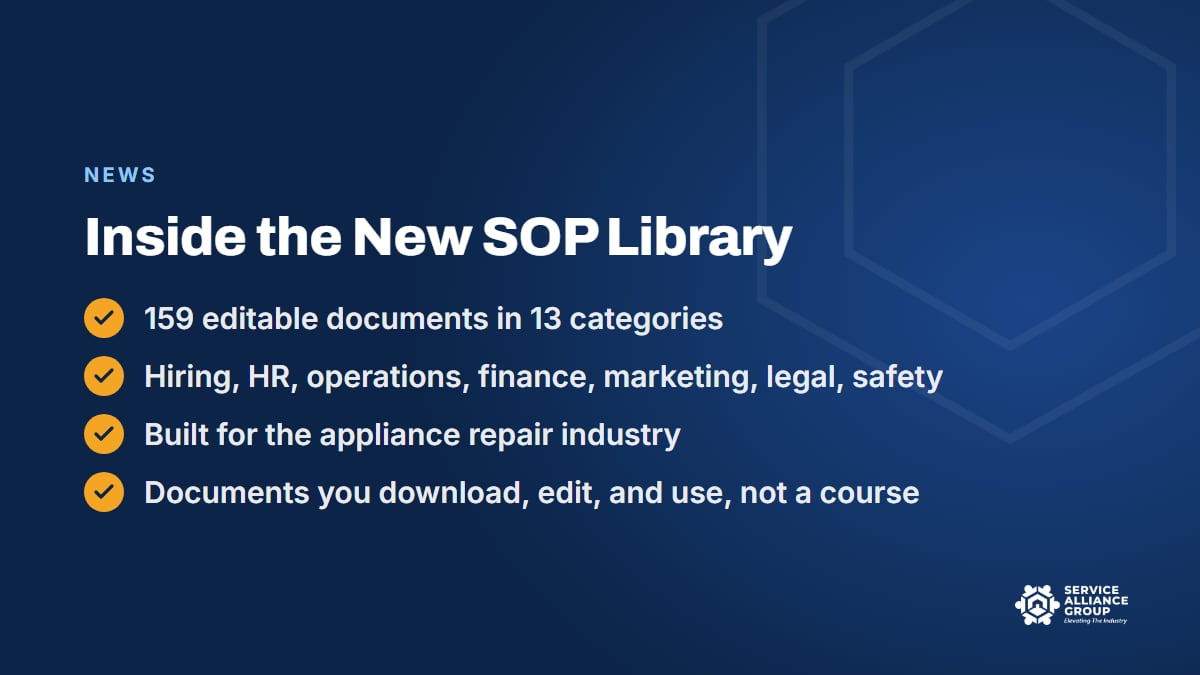
That works out to 159 editable documents in 13 categories, covering the whole business: operations, hiring, HR policies, finance and pricing, marketing, legal and contracts, safety, and more. Because the library was built for the appliance repair industry, you start from documents meant for a shop like yours instead of a blank page.
Table of Contents
Why We Rebuilt the SOP Library
We are grateful to every shop that used the old library. But business documents age. Pay plans, employment rules, software, and what customers expect from a service call all shift over time, and a procedure written years ago can end up describing a shop that no longer exists. A document that no longer matches how the shop runs does not get followed.
Meanwhile, if you run a shop, you have probably rebuilt some of the same paperwork from scratch more than once. A technician job listing typed up the night a tech quits. A payment agreement written on a tailgate. An employee handbook borrowed from a business in a completely different trade and never quite fixed.
So we rebuilt the library from top to bottom, every category and every document.
The idea behind all of it is simple. If a process only exists in your head, it is a bottleneck. It stops when you stop. The library exists so the process can live on paper, where a new tech can read it, a CSR can follow it, and you can take a week off without the phone lighting up every hour.
What Is Inside the New SOP Library
Here is the full shape of it: 159 editable documents in 13 categories.
- Start Here (5 documents)
- Operations (17)
- Business Planning (12)
- Customer Service (9)
- Finance and Pricing (13)
- Hiring and Recruiting (17)
- HR Policies (22)
- Legal and Contracts (8)
- Marketing (32)
- Parts and Warranty (5)
- Safety and Compliance (5)
- Sales and Customer Education (6)
- Technology and Security (8)
Between them, those categories follow a job and the business around it. Operations, Parts and Warranty, and Customer Service cover how work moves from the first call to the finished job. Hiring and Recruiting and HR Policies cover the people side, from finding a tech to setting the rules everyone works by.
Finance and Pricing covers what you charge and how money comes in. Legal and Contracts and Safety and Compliance protect the business when something goes wrong. Marketing, the biggest category at 32 documents, covers how customers find you, and Sales and Customer Education covers what they hear from you once they do. Business Planning and Technology and Security round out the rest, and Start Here is exactly what it sounds like.
One thing to be clear about: the SOP Library is documents, not a course. There are no lessons or videos in it. You open a document, edit it, and use it. If you want the teaching side, that lives in the courses, and the companion course is covered further down.
SOP Templates Written for Appliance Repair, Not Borrowed
Generic SOP templates are easy to find. Plenty of them were written for an office, a restaurant, or a franchise, and it shows the moment you try to use one on a real appliance job.
Think about what a parts procedure has to cover in this trade. The tech diagnoses a bad control board on Tuesday. Somebody has to confirm the part number, check stock, quote the customer, collect a deposit if that is your policy, order the part, stage it when it arrives, and book the second visit.
The customer needs to hear from you along the way, or they call the office asking where their part is. A template that does not know the second visit exists is not much help.
The same goes for hiring. A job listing for an appliance technician has to talk about the van, the on-call rotation, sealed-system work, and however you pay for completed jobs. A customer follow-up script has to handle "the part is on backorder" without sounding like a form letter.
That is why we built this library for the appliance repair industry. The SOP templates and business documents start from appliance calls, appliance technicians, and a truck that has to carry the right parts. You still adjust them to your shop, but you are not translating them from somebody else's business first.
How to Put the SOP Library to Work This Week
Owners who try to document everything at once usually document nothing. The library has 159 documents in it, and the right number to start with is one.
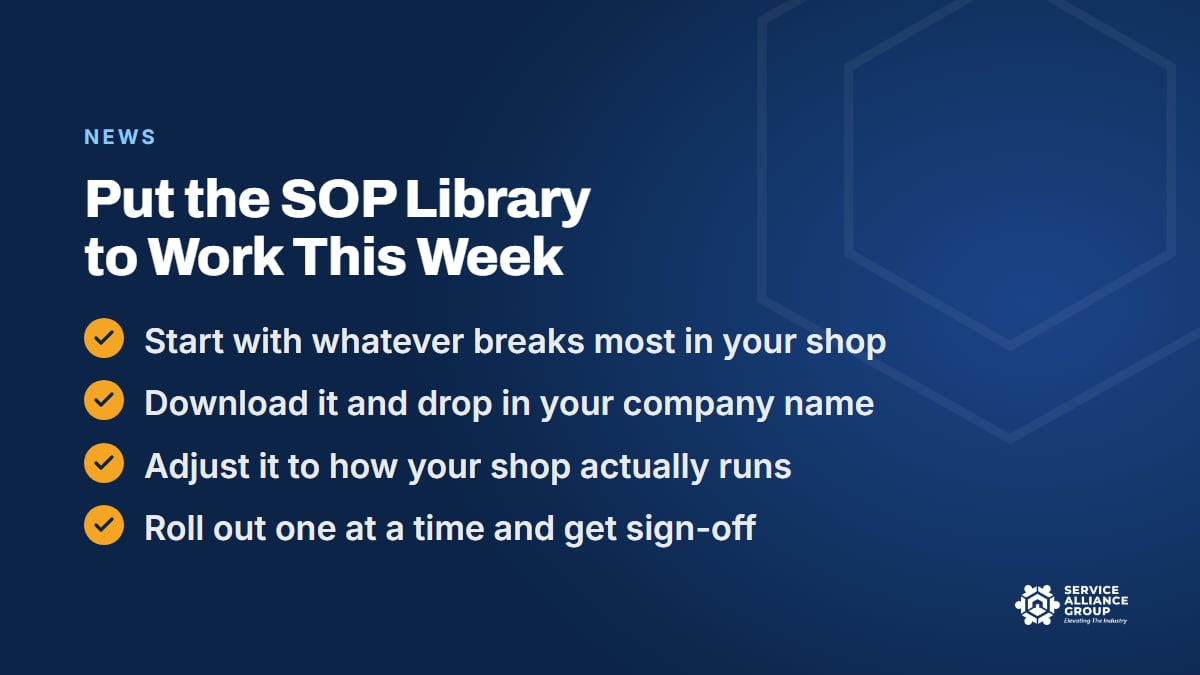
- Pick whatever breaks most. It might be dispatch, parts, or collections. If you are not sure, look at last week: the missed time window, the part that came in and sat on a shelf, the invoice nobody collected. Whatever caused the most rework wins.
- Download the matching document. Open the category, grab the template, and save it where your team will actually look for it.
- Drop in your company name. Then add the names of your software, your suppliers, and the people who own each step.
- Adjust it to how your shop actually runs. If parts get staged on a shelf by the back door and not in the van, say so. If the office books the second visit and not the tech, say that. The document should describe your shop on a normal Tuesday, not an ideal one.
- Put it in front of the team. Walk through it at the next meeting, ask what is wrong with it, fix that, and have everyone sign and date it.
- Then do the next one. One SOP that gets used beats twenty that sit in a folder.
If you want the longer case for why the written version matters so much, our post on the benefits of standard operating procedures covers it, from faster training to a higher sale price when you exit.
Where to Start, by Shop Size
The first document worth pulling depends on where your business is.
Owner-operator, one van. You are the tech, the CSR, and the office. Start with the business documents that touch money and risk, in Finance and Pricing and in Legal and Contracts. Then look through Marketing and Customer Service for help keeping the phone ringing and customers coming back. None of that requires a team to put to work.
Two to four trucks. This is where dispatch and parts start to break, because more than one person now touches every job. Pull the SOP templates in Operations and in Parts and Warranty first. Then get into Hiring and Recruiting before you need it, because you will need it on a bad day, not a calm one.
Five trucks and up. Now the problems are people problems. HR Policies, the biggest category in the library after Marketing, starts to earn its keep here, because written policies keep a bigger crew fair and consistent. Business Planning helps you plan the next stage instead of reacting to it.
Whatever your size, the rule holds. One document, adjusted to your shop, in front of your team, signed. Then the next.
Business Documents That Protect the Shop
Some documents in the library will never make a job go faster. They exist for the day something goes wrong: a tech gets hurt, an employee has to be let go, a customer refuses to pay for a repair they authorized. The HR Policies, Safety and Compliance, and Legal and Contracts categories hold the paperwork you hope never to need and are very glad to have.
A written safety policy matters more in this trade than people assume. Technicians work around 240-volt circuits, gas lines, sealed refrigeration systems, and heavy machines on wet floors. OSHA publishes safety guidance for employers, including small businesses, and a safety policy your techs have read and signed is where taking it seriously starts.
Hiring and HR documents carry the same weight. Anything that decides who gets hired, how people are paid and reviewed, or how someone is let go touches employment law, and the rules differ by state. The U.S. Small Business Administration's guide to hiring and managing employees is a solid overview of what applies once you have people on payroll. Use our documents as the starting point, check your state and local requirements, and have an employment attorney look over anything that touches hiring, pay, or termination.
The Companion Course: Build Your SOP System
The library gives you the documents. Build Your SOP System teaches the method, in 15 lessons: deciding which procedures you need, folder structure, the master spreadsheet, SOP and document templates, writing your first SOP, the tools, using our templates, distribution and approval, and getting staff to follow what you wrote.
If you have never written an SOP, the course is where to start. If you already know what you need and just want to stop starting from a blank page, the library alone will get you there. Together they cover both the method and the material. The course lives in the member portal, and it is included in monthly All-Access alongside the library.
How to Get the SOP Library
There are two ways in.
- Buy the library on its own at members.servicealliancegroup.com/library. You get all 159 documents across all 13 categories.
- Get it with monthly All-Access, which includes every course in the member portal plus the SOP Library. Appliance Atlas is a separate subscription and is not part of All-Access.
Either way, the documents are editable, so you can drop in your company name, adjust them to how your shop runs, and put them in front of your team.
The SOP Library page has the overview. If you are new here, the post on our new website explains where everything else lives.
Frequently Asked Questions
Is the SOP Library a course?
No. The SOP Library is 159 editable SOPs and business documents in 13 categories that you download, edit, and put to work. There are no lessons or videos in it. The teaching side lives in Build Your SOP System, the 15-lesson companion course, which is sold separately and included in monthly All-Access.
What format are the SOP templates and business documents in?
Editable documents and templates. You download them, drop in your company name, and change anything that does not match how your shop runs. They are starting points to customize, and that matters, because a procedure only gets followed when it describes your shop instead of someone else's.
Do I need All-Access to get the SOP Library?
No. You can buy the library as a standalone package in the member portal. Monthly All-Access is the other route, and it includes every course plus the library. Appliance Atlas is not included in All-Access; it has its own subscription, and you do not need it to use the library.
Are the documents written for appliance repair specifically?
Yes. The SOP Library was built for the appliance repair industry, so the documents start from appliance technicians, appliance calls, and a truck that carries parts. Categories like Parts and Warranty and Sales and Customer Education are there because this trade runs on them. You still adjust each document to your shop, but you are not translating it from another kind of business first.
I have never written an SOP. Where do I start?
Start with whatever breaks most often in your shop, whether that is dispatch, parts, or collections. Pull the matching template, adjust it to how your shop really works, and put it in front of your techs. One document that gets used beats twenty in a folder. Build Your SOP System walks through the whole sequence if you want the method too.
The library is live in the member portal now. Pick the one document that would have saved you the most grief last week, and start there.