The Power of Route Optimization: 7 Proven Ways to Cut Drive Time and Add Calls
Route optimization in an appliance repair shop means running the fewest miles per completed job across the whole day, for every truck. The fastest path from one house to the next is only a small piece of that. A tech who drives 35 minutes between calls and a tech who drives 20 are both "on the road," but only one of them has room for a sixth call.
Drive time is the quiet cost. It never shows up as a line on an invoice, so it rarely gets priced. But you pay for it every day in wages, fuel, tires, and the call you could not fit. Much of it comes down to scheduling decisions, which means you can change it without buying anything.
Here are seven habits we teach for tighter routes, from the first phone call to the Friday numbers.
Table of Contents
What Drive Time Really Costs an Appliance Repair Shop
Start with an example, using made-up but realistic numbers. A tech runs six calls a day, and each leg of the trip, counting the drive to the first call, averages 35 minutes. That is 3.5 hours behind the wheel out of a nine-hour day.
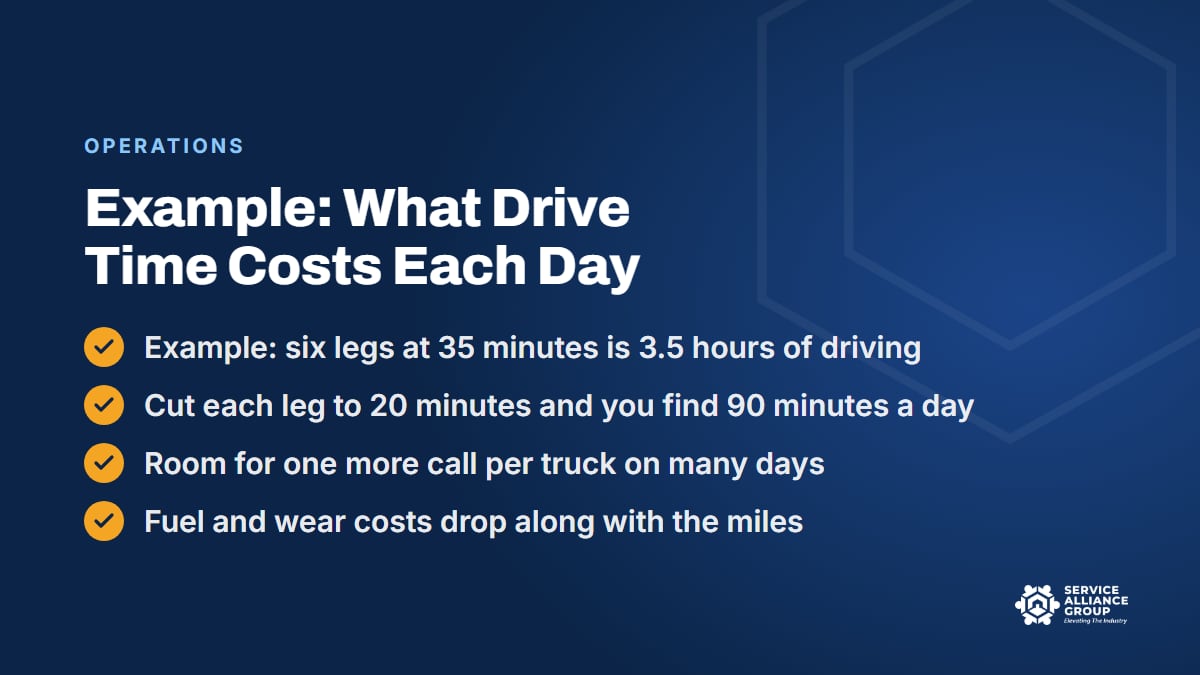
Now say your cost of doing business works out to $120 an hour (run your own number through the free Cost of Doing Business calculator). Those 3.5 hours cost $420 a day, and none of it shows up on an invoice. Cut the average leg to 20 minutes and the same day has two hours of driving. You just found 90 minutes, which is enough for one more diagnostic call on many days, or an install that closes a two-visit job.
Multiply by trucks and by working days. One extra completed call per truck per day, at even a modest average ticket, is the kind of number that changes what a shop can afford. And the drive time you cut takes fuel, tires, brakes, and oil changes with it, along with the wear that means replacing a van sooner.
None of that requires a faster driver. It comes from route density, and route density gets built at the booking desk.
1. Draw Zones and Book to Them
Route optimization starts on the phone, because route density is booked before it is driven. Split your service area into zones that a truck can cover with short hops: four or five zones for a single truck, a home zone per truck for a multi-truck shop. Assign each zone to one or two days of the week and post the map by the CSR's desk.
When a customer calls, the CSR offers the zone day first: "We're in your part of town Tuesday and Friday. Which works better?" Plenty of customers take it. The ones who cannot still get a choice, and the ones with a refrigerator full of food get the same-day process in habit 4. Booking calls in the order they come in sends trucks back and forth across town, and offering the zone day first is how you stop it.
A zone is a guideline, and a truck can cross one for a good reason, like a commercial account or a parts-return visit that closes a job. The point is that somebody decides to cross it on purpose. The free Appliance Repair CSR Course covers booking and scheduling from the CSR's side of the phone, including why jobs get grouped by zone.
2. Use Appointment Windows That Let the Route Breathe
A route can only be ordered by geography if the schedule has room to order it. Tight windows for every customer, assigned in the order they called, leave the board with no choices. Wider windows inside a zone day, such as four hours, give the office room to run the calls in a sensible loop and still keep the promise.
Two rules make windows work. First, the opening call of the day is a fixed time, since the tech is leaving from home and the customer is waiting. Everything after it is a window. Second, the on-the-way text with the tech's name and photo goes out when the previous job closes, so nobody sits by the door for four hours. That message turns a wide window into a small inconvenience instead of a bad review.
The evening before, look at the map, not the list. Drag the calls into a loop that starts near the tech's house and ends near it, with the last call of the day in the corner of the zone closest to home. Then check the order against the windows. A call with an 8 to noon window cannot land at 12:30 because the loop preferred it.
3. Schedule Parts-Return Visits Into the Route You Already Have
The second visit on a two-visit job is where route density quietly falls apart. The part arrives, the customer is eager, and the office books the install for tomorrow at 2 pm in a zone the truck will not see until Thursday. The tech drives 40 minutes each way to do a 25-minute install.
Book return visits into the customer's zone day by default. When the part is received, the office calls the customer with the next zone day first. Many parts installs are quick, so they fit between diagnostics with only a short hop inside the zone. The customer who truly cannot wait gets the same choice as any other out-of-zone request: a visit with a trip fee, if your price book has one, or the next zone day.
Get the part onto the truck the night before and confirm it is the right part number before it goes. A return visit with the wrong part is the worst drive in the business: two legs, no revenue, and a third visit to book.
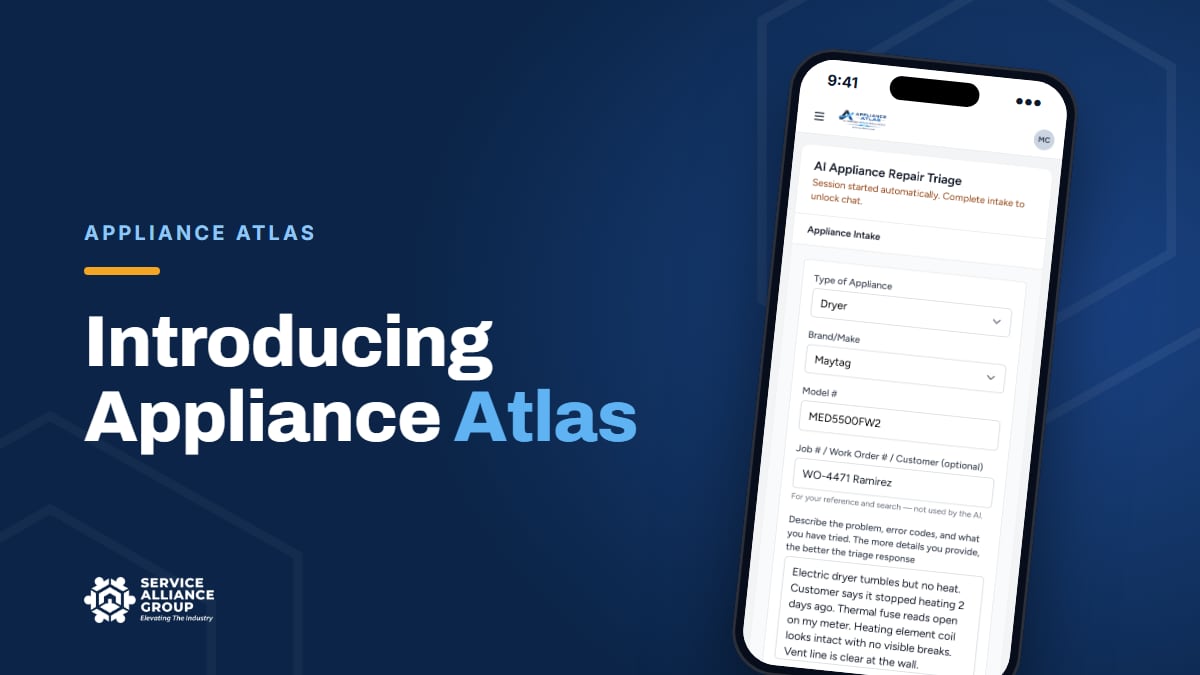
Getting the part number right up front is one of the jobs Appliance Atlas handles. It answers from the service documentation for that model and confirms the OEM part number against a live wholesale catalog, with price and stock, before you order. That is why a troubleshooting tool shows up in a post about driving.
4. Hold Same-Day Slots Without Blowing Up the Day
Same-day calls are part of appliance repair. The refrigerator that stopped cooling, the leaking washer, the dryer that smells hot: those customers need you today, and they remember which shop showed up. The way to serve them without wrecking route density is to plan for them.
Hold one open slot per truck, usually late in the day, and fill it by zone. The same-day call goes to the truck already working that part of town, not to whoever is free first. If nobody is in that zone today, the CSR offers the earliest time a truck will be nearby, such as first thing tomorrow, and the customer hears a real reason instead of "we're booked."
If the slot is still empty by late morning, fill it on purpose: a parts-return visit in that zone, a customer from tomorrow's board who said any time is fine, or a flexible customer from your waiting list. An empty slot is technician time you already paid for. Fill it from across town and you pay for the drive time on top of it.
A gas smell is a safety call before it is a repair call. Your CSR needs a safety script for it that comes before any talk of a time slot, and that script belongs in your CSR training rather than in a dispatcher's memory.
5. Let Your Software Route, Then Check It With a Human
If your field service software can put the day's calls on a map with drive-time estimates, use that view every day. Some platforms will also suggest a stop order. A map catches the call that got booked on the wrong side of the river faster than any list, and if the software is already in your shop, that route optimization costs nothing extra.
Then check the software's route against what it cannot know. It does not know the tech has to be home by 4 on Wednesdays. It does not know the customer on Elm Street is never home before 10, or that the bridge on the north side has been closed since March. A 10-minute review of tomorrow's routes every afternoon, by the person who knows the trucks, is where route optimization stops being theory.
GPS tracking on the vans is the other half, because it gives you actual drive time per leg instead of an estimate. When the software estimates 18 minutes and the GPS shows 31, something is happening between stops: rush-hour traffic, a supply house run, or a long coffee break. Each one is worth knowing about. Tell your techs the vans are tracked and why, and check your state's rules on monitoring employees before you turn it on.
If you are choosing software, our guide to appliance repair scheduling software covers what to look for in routing and the rest of the feature list.
6. Count Fuel and Vehicle Wear as Part of Every Route Decision
Wages are usually the biggest cost of drive time, but they are not the only one. Every mile also costs fuel, tires, brakes, oil changes, and a piece of the van's life. If you have never added those up per mile, a 40-minute detour will always feel free.
Work it out with your own numbers: last year's fuel, tires, maintenance, insurance, and the van's depreciation, divided by last year's miles. The IRS publishes standard mileage rates that make a useful sanity check, and its small business pages link to those rates along with its recordkeeping guidance. For deducting vehicle costs on your taxes, ask your CPA which method fits your business. Whatever your number is, write it on the wall next to the zone map.
Then use it. When a tech asks to swing across town for a quick install, you can answer with math instead of a feeling. Every route optimization decision gets easier when the cost per mile is a known number. Fleet total cost of ownership, including whether to lease or buy the next van, is a Scale stage lesson in the S.O.S. Course, because once you run several trucks, the vans become one of your bigger line items.
7. Measure Drive Time per Call Every Week
Route optimization without a scorecard is a good intention. Four numbers, pulled from your software or the GPS every Friday, tell you whether the habits above are holding:
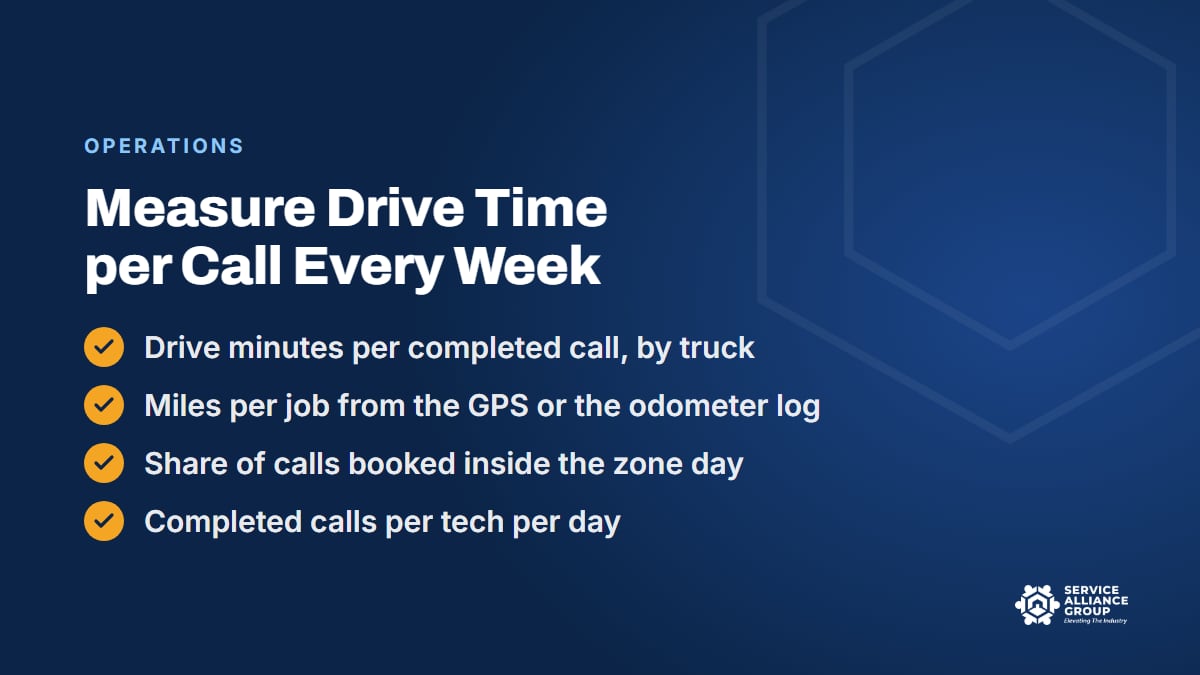
- Drive minutes per completed call, by truck. The headline number for route density.
- Miles per job. Same idea, and it feeds the cost-per-mile math in habit 6.
- Share of calls booked inside the zone day. If this slips, the CSR script slipped, or the zones no longer match where the calls come from.
- Completed calls per tech per day. The number all of this is for.
Post them where the office and the techs can see them. When drive minutes per call climb, you will usually find a zone that grew, a new tech who does not know the area, or a stretch of out-of-zone same-day calls that nobody priced. Each has a fix, and the numbers show you where to look.
In the example at the top of this post, cutting the average leg from 35 minutes to 20 found 90 minutes a day. Your own numbers will land somewhere else. The weekly scorecard is how you find out what tighter route density is worth in your service area, and whether the habits are holding.
Where the S.O.S. Course Teaches Route Density
Route optimization is part of what we teach in the S.O.S. Course, our one course in three stages for appliance repair business owners. The Operate stage includes a lesson called Scheduling, Dispatch and Route Density. The Scale stage picks up with Multi-Truck Dispatch and Capacity Planning, for the day the map has more trucks than one person can hold in their head, and covers fleet costs in the same stage.
The course is 70 lessons, more than 21 hours, with 70 downloadable tools including 12 live spreadsheets, a quiz at the end of each stage, and a certificate at the finish. If dispatch is your bottleneck, our post on effective dispatching strategies pairs with this one, and the free Cost of Doing Business calculator will give you the hourly number every route optimization decision should start from.
Frequently Asked Questions
Does route optimization matter for a one-truck appliance repair shop?
It may matter most there. With one truck, every long leg comes straight out of your own day and your own income, and zones and windows cost nothing to set up. For example, if booking to zone days trims 15 minutes from each of five legs, that is 75 minutes back, which can be room for a sixth call. The habits are the same at one truck or ten. Only the map gets bigger.
How do I cut drive time without upsetting customers who want a specific time?
Offer the zone day first and let the customer choose, so it feels like options rather than rules. Keep the first call of the day a fixed time, and send an on-the-way text with the tech's name so a four-hour window is not four hours by the door. The customer who truly needs a time outside the zone day can have it for a trip fee, if your price book has one.
What software do I need for route optimization?
Less than you think. A zone map by the CSR's desk and a map view of the day's calls cover the first four habits. Field service software with drive-time estimates and drag-and-drop ordering makes the evening review faster, and GPS on the vans gives you real drive time per call. Buy the features you will use every day, not the longest feature list.
How much drive time per call is too much?
There is no universal number, because a rural service area and a dense suburb are different businesses. Measure your own trucks for a month, then work the number down with zones and return-visit booking. When drive minutes per call stop falling, that is roughly your floor for the current map. From there, the next gain comes from winning more calls inside the zones your trucks already work, because more jobs in the same area is what route density means.
Drive time is one of the few costs you can start cutting this week without spending a dollar. Draw the zones, book to them, and put the number on the wall.