
6 Ways to Promote Your Appliance Repair Company With Social Media

Social media works for an appliance repair company when it shows real people doing real jobs in your service area. It wastes your time when you treat it like a billboard and wait for the phone to ring.
It is easy to end up in one of two places. The Facebook page has not been touched since the day somebody set it up, or the owner spends Sunday nights making posts that get four likes from family. Neither one books a dryer repair.
There is a better middle ground, and it takes about thirty minutes a week.
Table of Contents
What Social Media Actually Does for an Appliance Repair Shop
Think about how a repair call really starts. The washer quits mid-cycle, and the homeowner searches on their phone, remembers your van at a neighbor's house, or gets your name from a friend. Scrolling a feed is rarely how that search starts.
What happens next is where social media earns its place. Before letting a stranger into the laundry room, many people check the company out: the reviews, the website, and sometimes the Facebook page. They want to know whether you are real, local, and still in business.
That background check is the first of four jobs social media does for a repair shop:
- Proof you are real and busy. Recent photos of real techs answer the question every homeowner has: who is about to walk into my house?
- A place where neighbors say your name. Nextdoor and local Facebook groups are where people ask each other who to call.
- A reminder between breakdowns. Past customers who follow you may see your name now and then, so it is familiar when the dishwasher starts leaking two years later.
- A second inbox. Some people would rather send a message than pick up the phone.
Know its limits, too. Social media will not replace your Google Business Profile, your reviews, or a phone a person answers, so if those need work, start with our guide to marketing an appliance repair business without spending a fortune.
The Organic Growth Engine gives this question, what social is actually for, a lesson of its own.
1. Finish Every Profile Before You Post Anything
A half-finished profile works against you. Picture a homeowner checking you out and finding no hours, no service area, a Fourth of July graphic from three years ago, and a phone number that does not match your van. You might do better work than the shop down the road, but their page looks open and yours does not.
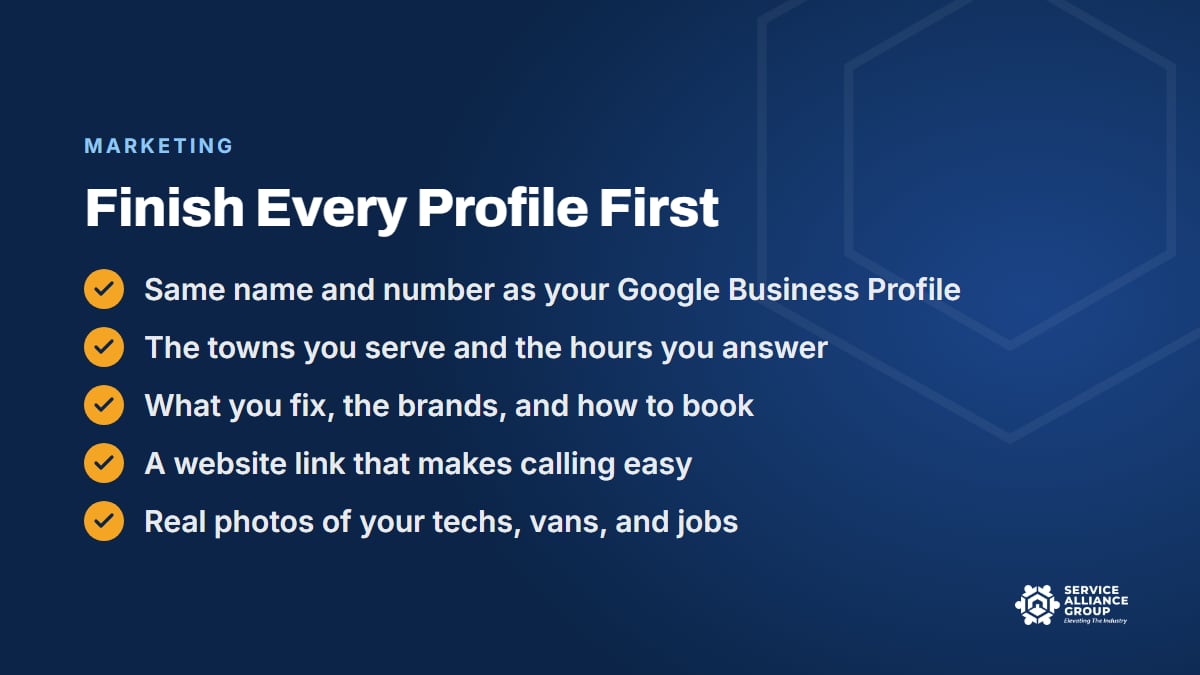
For an appliance repair shop, the profiles usually worth setting up are a Facebook business page, an Instagram business account, and a Nextdoor business page, plus a YouTube channel if you will post video. Complete every one, then pick two to actually post on. A complete profile you seldom post on still does its job. An empty one never does.
Fill in every field, including the ones that are easy to skip:
- Business name: exactly as it appears on your Google Business Profile, your truck, and your invoices.
- Phone number: the line your office answers, written the same way everywhere.
- Website link: a page where someone can call or book in one tap.
- Service area and hours: the towns you actually drive to, and the hours someone picks up the phone.
- Description: what you fix, the brands you service, whether you take home warranty jobs, and how to book.
- Photos: your logo, a real tech and van for the cover, and a few job photos.
Copy every field from one master record instead of typing from memory. Google's guidelines for representing your business call for your real-world business name, and that same name and number belong on every profile. "Smith Appliance Repair LLC" on Facebook and "Smith Appliance Service" on Nextdoor look like two different companies.
Then tap your own website link on a phone. If the number is buried on a slow page, our post on turning more website visitors into calls shows what to fix.
2. Show Up on Nextdoor and in Local Facebook Groups
Local groups see some version of this all the time: "Anyone know a good appliance repair company? Fridge stopped cooling and we're hosting Thanksgiving." That is a homeowner in your service area asking, out loud, for exactly what you do. The best answer there is a neighbor typing your company name.
Claim your Nextdoor business page
Create or claim your business page on Nextdoor and fill it out like your other profiles. Neighbors can recommend a business there by name, and recommendations from real people nearby do more for you than anything you write about yourself.
Earn them the way you earn reviews: ask every customer once, at the end of the job, with something like "If you're on Nextdoor, a recommendation would mean a lot to a local shop like ours," and offer nothing in return. Never post asking the whole neighborhood to recommend you, and never have employees or relatives pose as happy neighbors. People catch on fast, and neighbors remember.
Be useful in local Facebook groups
Join the community groups for the towns you serve, and read each group's rules first, because some ban business promotion. Then be the most helpful person in the thread:
- Answer real questions honestly and in plain words, even ones that will never become a job, like whether a fifteen-year-old fridge is worth fixing.
- Skip the coupons, the pitch, and your phone number in every comment.
- When someone tags you, thank them publicly.
Keep that up for a few months, and when someone asks who to call, a neighbor is more likely to type your name. Our guide to boosting customer referrals covers earning that kind of word of mouth on purpose.
Someone in the office can handle all of this with a few check-ins a week. Nextdoor gets a lesson of its own in The Organic Growth Engine, and it earns the time: the conversation about who to hire is already happening there.
3. Make Posts From Real Jobs in 30 Minutes a Week
Your techs already create the best material you will ever post. Every week they pull a burnt-out element from a dryer, replace a torn washer door boot, and leave a laundry room cleaner than they found it. The missing piece is a habit that gets those photos from the truck to your page.
The capture habit
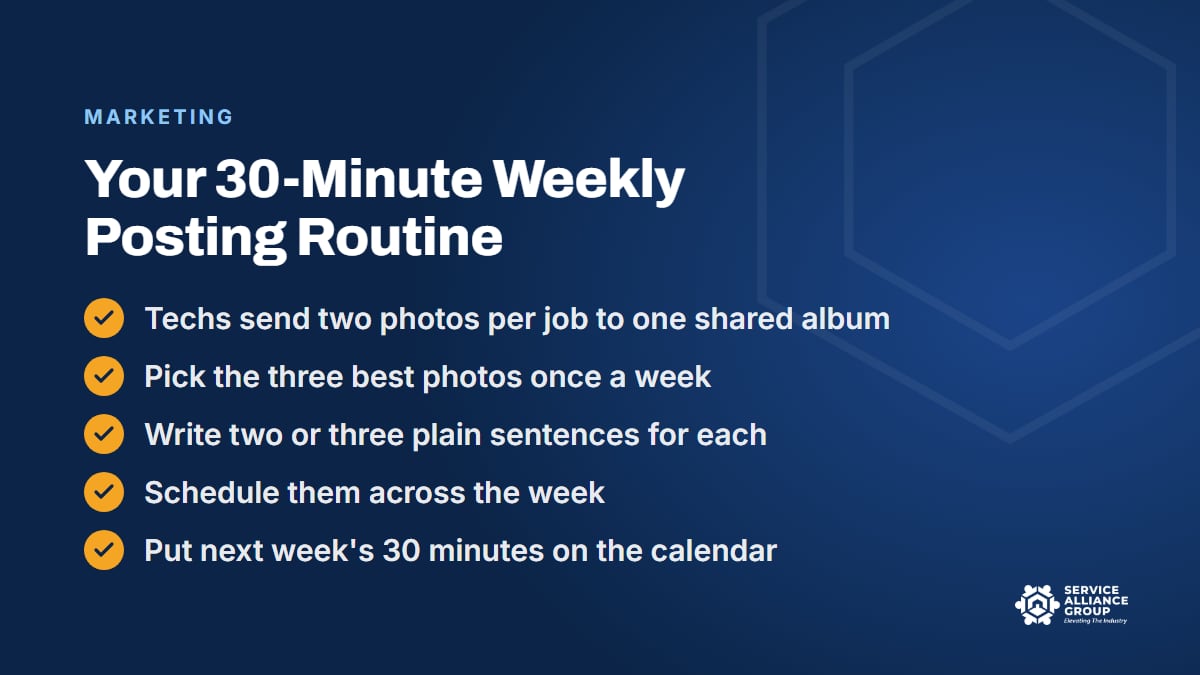
Ask every tech for two photos per job, sent to one shared album or group text: before and after, or the failed part next to the new one. Techs do not write captions or post anything, because the habit dies the moment it turns into homework. A photo takes ten seconds and survives a busy Tuesday.
Ask first and keep the house out of the frame
Ask before you take the photo: "Mind if I grab a picture of the old part for our Facebook page? No faces and no address." Before anything gets posted, the office checks the background for faces, house numbers, the fridge door covered in family photos, mail on the counter, alarm keypads, and reflections in stainless steel. The town name in a caption is fine, but the street is not.
What to post
Rotate three kinds of posts so nobody stares at a blank screen:
- Real jobs. What failed, what the customer noticed first, and how it ended: fixed in one trip, or part on order and back on Thursday.
- Answers to common questions. Repair or replace, where to find the model number, what happens when a part is on order, and simple habits that keep a dryer running, without turning the post into a repair manual.
- Your team. With their okay, a tech's first name, years in the trade, and what they like about the work.
Captions matter more than filters. Here is a made-up example of the same photo written two ways:
- Weak: "Another happy customer. Call us for all your appliance needs."
- Useful: "Towels still soaking wet after a full cycle? This front-load washer had a sock stuck in the drain pump. Fixed in one trip. A mesh bag for small items saves a lot of these calls."
Only the second one gives a neighbor a reason to remember your name.
The 30-minute sitting
Once a week, after the dispatch board is set on Monday, one person sits down with the shared album for thirty minutes:
- Pick the three best photos.
- Write two or three plain sentences for each.
- Schedule them across the week. Facebook and Instagram both let business accounts schedule posts ahead.
- Put next week's sitting on the calendar before closing the laptop.
That last step is the one that gets skipped, and skipping it is how a page goes quiet by March. Three steady posts a week beat two weeks of daily posting followed by silence.
4. Use Short Video to Show Who Is Coming to the Door
A thirty-second video of your tech saying hello shows a homeowner the kind of person who will ring the doorbell, which no caption can do. It also shows that your people explain things in plain words.
You need a phone, a quiet spot, and one point per video. A few ideas to start with:
- Meet the tech: first name, years fixing appliances, and what to expect at the door.
- The diagnostic fee, explained: the owner walks through what the visit includes and why it exists.
- The voice on the phone: your CSR saying hello, so callers know who they will reach.
- The odd find of the week: show the part, not the house.
- Inside the van: the parts on board, and why carrying them means more repairs finished on the first trip.
Hold the phone vertically, keep bright windows behind the camera instead of behind the person talking, and step away from the running dryer. Keep it under a minute, and add captions so it works with the sound off.
Not every tech wants to be on camera, so never push it. Often one person on the crew enjoys it, and one friendly, familiar face can carry the whole page.
5. Answer Comments and Messages Like a Ringing Phone
A Facebook or Instagram message from someone whose oven died this morning is a lead, the same as a phone call. Leave it until tomorrow and it becomes a missed call, because that homeowner may have messaged two other shops at the same time.
Give the inbox an owner
Make one person responsible for the inbox, usually the CSR or office manager, with notifications on a phone the office actually watches. Check it first thing, at lunch, and before closing, and if the platform lets you, set an after-hours automatic reply with your phone number.
The reply should move toward a booking, not a diagnosis: "Sorry the dryer quit on you. Can you send a photo of the model number tag and tell us what town you're in? Or call us and we'll get you on the schedule."
Do not quote a repair price before anyone has seen the appliance. Explain the diagnostic fee the way your CSR does on the phone, then book the visit. The free Appliance Repair CSR Course covers presenting the fee, scheduling and texts, and missed calls and speed to lead, and the same skills carry over to the social media inbox.
Handle comments in public and details in private
Thank people who compliment a tech by name, and pass the compliment along. Answer simple questions in the comments, and move anything involving an address or an appointment to a private message.
When a complaint shows up, reply once, calmly, and take it offline: "This is the owner. I'm sorry this happened, and I'd like to make it right. Please call me at the office."
Then follow through. Do not argue in public, and do not delete an honest complaint, because people notice when criticism disappears.
6. Make Simple Branded Graphics That Look Like One Company
Real photos should carry most of your page. Graphics fill the gaps, like holiday hours, a review shout-out, or a hiring post. The trouble starts when each one comes from a different template and your page looks like five companies sharing a logo.
Canva fixes that without a designer. Set up a brand kit once with your logo, two or three colors, and one or two fonts, then build a few templates you will reuse all year:
- Review shout-out: a real review copied word for word, first name only, with the customer's okay.
- Tip of the week: one short sentence over one real photo.
- Meet the team: a tech's photo, first name, and years in the trade.
- Hours and closures: holidays, weather days, and schedule changes.
Put your phone number on every graphic, since posts get screenshotted and passed around. Keep the words big enough to read on a phone, and use photos of your own crew instead of stock photos. Then give the office manager one rule: change the words and photos freely, and leave the logo, colors, and fonts alone.
What to Skip on Social Media
Thirty minutes a week only works if none of it goes to things that never bring in work:
- Buying followers, likes, or views. Bought followers do not live in your service area. The Federal Trade Commission's final rule on fake reviews and testimonials also prohibits buying fake indicators of social media influence, such as followers or views generated by bots. It is the same trap as paying for Google reviews.
- Hashtag research. A plain local tag is fine, but time spent hunting for the perfect hashtags is better spent on job photos.
- Posts any company could make. Memes and "Happy National Pizza Day" graphics say nothing about your shop.
- Arguments and politics. Your page speaks for the company to every customer, whatever their views.
- Like-and-share giveaways. They tend to draw entries from outside your service area, and promotions come with platform and state rules, so check your state and local requirements and talk to a qualified professional before you run one.

Canva Design Training and The Organic Growth Engine
You can do everything in this post with a phone and some patience. If you would rather be shown, two courses in our member portal cover the pieces.
Canva Design Training takes you from your first login to reusable branded templates in 40 short lessons, covering free and paid features, the mobile app, brand kits, team access, business cards, posters, flyers, and postcards. The brand kit and template habits it teaches are the same ones that keep your social media graphics consistent. It is sold on its own or as part of monthly All-Access, which includes every course and the SOP Library.
The Organic Growth Engine covers everything a shop should do before spending on ads, in five layers: found without paying, trusted before they call, a website that holds up, a human who answers and books, and customers who come back and refer. Social and Nextdoor sit inside that system alongside Google Business Profile, reviews, and follow-up.
It is 47 short lessons and more than four hours, with 11 downloadable build sheets and trackers, a final exam, and a certificate. Mike Carson, who runs a marketing agency built around this industry, teaches it.
To see what is working on other shops' pages, ask in The Alliance, our free private Facebook group with more than 5,500 appliance repair business owners.
Frequently Asked Questions
Do we need a Facebook page if we already have a Google Business Profile?
It is worth having both, because they do different jobs. Your Google Business Profile helps people find you when something breaks. Your Facebook page is one place people check whether you are real, and it gives neighbors something to tag when a local group asks who to call. Keep the name, phone number, hours, and service area identical on both.
How often should we post on Facebook?
Two or three posts a week is plenty, as long as it happens every week. That is two or three photos with a few sentences each, which one person can write and schedule in thirty minutes. If a week gets away from you, post one good job photo and get back on schedule the next week instead of trying to catch up.
How do we know if social media is working?
Count what books, not what gets liked. Ask every caller how they heard about you, and log answers like Facebook, Nextdoor, or a local group. Track messages that turn into jobs, tags in local threads, and new Nextdoor recommendations, and after a few months those numbers will show which profile earns your thirty minutes. Our article on why it is important to monitor customer service lays out a simple weekly routine for tracking booking rate by lead source.
Should we pay to boost Facebook posts?
Not until the basics are done. Boosting puts money behind a post, so the profile it points to should be complete, the inbox should have an owner, and the website should make calling easy. If you test it later, keep the test small, aim it at your service area, and measure it in booked jobs.
Social media will not rescue a slow week by Friday. Finish your profiles this week, start the two-photos-per-job habit on Monday, and give the routine a few steady months. By then your page will show what your shop already is: real people doing good work for their neighbors.