
Google Business Profile Tips: 9 Proven Fixes for Appliance Repair Companies
Your Google Business Profile is the listing that can put your company on the map when a homeowner searches "dryer repair near me" with a load of wet towels still sitting in the drum. It can bring in more calls than your website, because people can tap Call right from the listing without ever visiting the site. The Performance report on your profile shows how many people tap Call and how many click through to your website.
The profile is free, and Google publishes the rules for it. Yet the same problems show up again and again: a name padded with extra words, blank services, a service area that sprawls across half the state, photos from the year the van was new, and nobody tracking results. Here are nine fixes, in the order we would make them, all inside Google's published guidelines.
Table of Contents
Why Your Google Business Profile Gets the Call
When someone searches for a local service, Google often shows a map with a short list of businesses before the regular results. Google says three main factors decide who appears there. Relevance asks whether a profile fits the search, and distance is the gap between the business and the person searching. Prominence reflects how well known the business is, which Google says includes the websites that link to you and the reviews you have.
You cannot move the shop closer to every customer, so distance is out of your hands. On relevance, Google says complete and detailed business information helps it match your Google Business Profile to the right searches, and that is where your categories, services, and description earn their keep. Prominence grows more slowly, one review and one link at a time.
Google keeps the details of its ranking systems confidential and says there is no way to request or pay for a better local ranking. These fixes are the honest way for an appliance repair company to earn a better spot in local search.
Ads are a separate decision. Local Services Ads with the Google Verified badge and pay-per-click ads can appear above the map, but they stop when the budget does. The profile keeps working, so fix it first.
Fixes 1 to 3: Ownership, Name, and Categories
These settings decide who controls the profile, whether it follows Google's naming rules, and what Google understands your business to be.
1. Keep ownership, then verify the right way
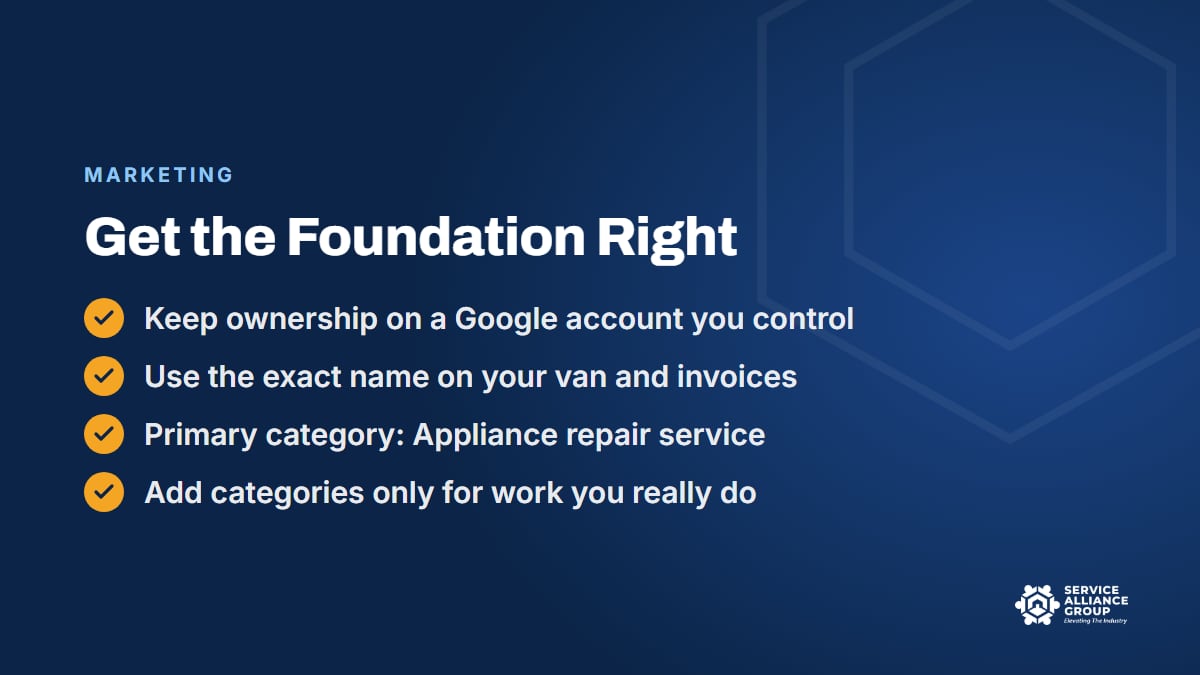
The primary owner of your Google Business Profile should be a Google account that belongs to your business, not your marketing company or the tech who set it up years ago. Give outside help manager access, and remove it the day the relationship ends. Prying a profile back from someone who left on bad terms is slow, and it is completely avoidable. Sign in now and then too, because Google says owners who stay away for long periods can lose access after a warning.
Google decides which verification methods your profile is offered, and you cannot change them. The options can include a phone call or text, an email, a live video call, a postcard by mail, or a video recording. Google says verification reviews take up to five business days, occasionally longer, and it warns against editing your name, address, or category while a mailed code is on its way.
If Google asks for a video, plan it first. It has to be one continuous, unedited recording of at least 30 seconds, captured live through your profile on a phone. For a service-area business, Google wants street signs or landmarks near the address you work from, the tools you use, and proof you run the company, such as unlocking the lettered van or showing an invoice or utility bill in the business name. Keep other people's faces and any bank, tax, or ID numbers out of the shot.
2. Use the name on your van
Google's guidelines say your business name should match how you are known in the real world, on signage, stationery, and branding. That means no city names, no appliance lists, no taglines, and no phone numbers in the name field. If the van, the invoices, and the website all say the same name, that is the name on the profile.
Adding "Refrigerator Repair" and a town to the name looks like a shortcut to relevance. It breaks the guidelines, competitors can report it, and Google says unnecessary information in the name could get the profile suspended.
If your name really does change, update the registration, the van, and the website first, and keep proof handy. Google handles a minor change, where the proper nouns and services in the name stay the same, as an edit to the existing profile, though you may need to verify again. A completely different name counts as a new business under Google's rebranding rules, with the old profile marked closed, so talk to Business Profile support before a full rename.
3. Choose categories that describe the business
Your primary category tells Google what your business is. For almost every appliance repair company, that category is "Appliance repair service." Google asks for as few categories as possible, each as specific as possible, and never used just as keywords. The test is whether a category describes what the business is, not something it has or offers on the side.
Add a secondary category only when it is a real part of the work. If refrigeration or laundry repair is a big share of your calls, look at the more specific repair categories Google offers for those appliances. Skip store and parts categories unless customers actually walk in and buy.
Fixes 4 and 5: Services and Service Areas
These two sections of your Google Business Profile tell Google and the homeowner what you fix and where you go, which are the first two questions every caller has.
4. List every service and write a plain description
In the Services section, you can choose from options Google suggests for your category and add your own. List each appliance separately: refrigerator, freezer, ice maker, washer, dryer, dishwasher, range, oven, cooktop, and microwave repair, plus anything else you truly do. Google tells you to keep prices, phone numbers, and personal information out of custom service names, and it rejects ones that break its policies.
Use the service descriptions to answer what your CSR hears all day: which brands you work on, whether you handle built-in refrigeration, and whether the diagnostic fee goes toward the repair. Every answer on the profile is one less caller who hangs up unsure.
The business description holds up to 750 characters, allows no links of any kind, and should not read like a sale flyer. Say what you fix, the brands you know best, the area you cover, how long you have been at it, and who answers the phone.
5. Set a service area Google will accept
Nearly every appliance repair company is a service-area business, because nobody carries a dryer to your shop. Google's page on service areas for service-area businesses says a business that does not serve customers at its address should take the address off the profile and let the service area do the work. That includes shops run from a home or from a warehouse customers never visit.
Google caps the list at 20 service areas, set by city, ZIP code, or a similar area rather than a radius, and says the whole area should stay within about two hours of driving time from your base. Pick the towns where your techs already run jobs most weeks. Google does not say that adding a distant town helps you show up in local search there, and a call from that far out can eat half a day of drive time.
A shop that truly serves customers at its address, with permanent signage and staff on hand during its listed hours, counts as a hybrid business and can show both the address and a service area. What nobody can do is use a mailbox store, a virtual office, or a relative's house to claim another town. Google's Business Profile guidelines call for your actual, real-world location and allow a service-area business one profile.
Fixes 6 and 7: Hours, Photos, and Posts
A homeowner comparing three appliance repair companies on a phone screen notices the small stuff.
6. Post the hours a person answers
Google asks for your regular customer-facing hours. For an appliance repair shop, that means the hours someone answers the phone and books jobs. If you answer Saturday mornings, list them. If calls after 5 p.m. go to voicemail, leave the evening off.
Set special hours ahead of major holidays. Google suggests confirming your hours for official holidays even when they match your regular schedule, so customers can tell the listing is accurate. Anything that lands in voicemail after hours should get a call back first thing in the morning, and the free Appliance Repair CSR Course covers missed calls and speed to lead for exactly that reason.
7. Show real photos and keep posting
Homeowners want to see who is about to walk into their kitchen. Upload photos you took: the lettered van, techs in uniform, the office, organized van stock, and a tech at work with the customer's permission and no house numbers in the frame. Google's photo guidelines ask for images that are in focus and well lit, without heavy filters or big alterations, so they represent reality. Photos only show once the profile is verified.
Posts are short updates, offers, or events that appear on your Google Business Profile. Use them for news a customer would want, like a new town you cover or your holiday hours. Leave phone numbers out of the text, since Google says posts with one may be rejected. Posts older than six months are archived unless they carry a date range, so a steady trickle beats a burst.
Fixes 8 and 9: Reviews and Consistent Listings
Reviews and links from other websites both feed prominence, according to Google. Fix 8 builds the reviews honestly, and fix 9 keeps every listing that mentions your appliance repair shop telling the same story.
8. Ask every customer and answer every review
Google lists more reviews and positive ratings among the things that can help local ranking, and plenty of homeowners read them before they call. The system that works is boring on purpose: the same request goes to every customer, every time, with the review link from the Get more reviews option on your profile.
Google's rules on fake and incentivized reviews cover more than buying them. No incentives of any kind for a review, no asking only the customers you think are happy, no discouraging negative reviews, no reviews from you or your staff, and no telling customers what to write, including asking them to name a tech. Staff quotas are out too, including quotas for reviews that name the tech. Our post on why you should never pay for Google reviews covers the ask itself and the FTC rule.
Then answer them. Google's reply tips are to stay professional and polite, keep it short, skip the promotions, and on a negative review, never share the reviewer's private information and ask them to call or email so you can sort it out privately. A one-star review about a part stuck on back order, for example, deserves a calm two-sentence explanation and an invitation to call, never an argument. If reviews you know were written never appeared, our post on why Google reviews go missing walks through the common causes.
9. Make your name, phone, and website match everywhere
Local search does not stop at Google. Homeowners also check Apple Maps, where you manage your place card through Apple Business (formerly Apple Business Connect), and they run into you on Bing, Yelp, Facebook, and Nextdoor. Each of those listings carries its own copy of your name, phone number, and website, and every copy should match your Google Business Profile exactly.
Trouble often starts with a change nobody finishes. For example, a shop switches phone systems, the profile gets updated, and the website footer and a handful of directories keep the old number for years. Whenever one detail changes, update the website and every listing you have claimed that same week. Our guide to service area business SEO covers which other listings are worth claiming for a shop that drives to its customers.
Track the Calls Your Google Business Profile Produces
The Performance report in your Google Business Profile counts views on Search and Maps, the searches people used to find you, calls, website clicks, and direction requests. Early each month, once Google updates the searches data, log those numbers in a spreadsheet next to last month's.
Read the calls number carefully: it counts taps on the call button, not answered calls or booked jobs. Add tracking tags (UTM parameters) to the website link on the profile so those visits stand out in your analytics.
Booked jobs are the real score. Have whoever answers ask every caller how they found you, and log it in your field service software. If call taps climb while the dispatch board stays thin, the leak is on the phone side, and our guide to appliance repair CSR phone skills is the place to start.
What Can Get a Google Business Profile Suspended
Google says it may suspend or disable profiles that do not follow its guidelines. If Google removes a profile, customers cannot get to it, and the owner and managers lose the ability to act on it. Below are the guideline problems that put an appliance repair profile at risk.
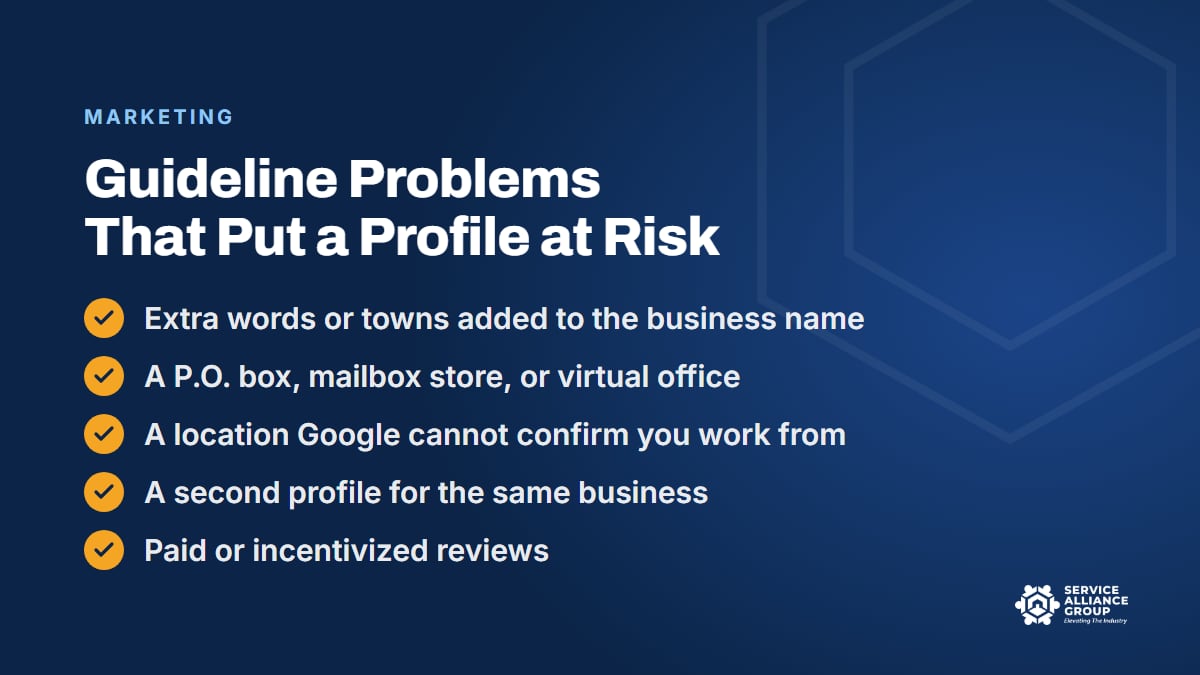
- Extra words in the business name, like towns, appliance lists, or taglines.
- An address Google does not accept, such as a P.O. box, a mailbox store, or a virtual office.
- A location Google cannot confirm, since Google says it disables profiles for businesses that do not exist where they claim to be.
- A second profile for the same business, such as one set up for another town.
- Phone numbers or links that route people to a lead seller or another company.
- Fake or incentivized reviews, which can mean new reviews blocked, existing ones unpublished, and a warning shown to customers.
Stay clear by keeping the profile identical to how you operate, making one change at a time, and keeping proof in a folder. Google's appeal page lists the kinds of evidence that help, including an official business registration, a business license, tax certificates, and utility bills for the business. Licensing rules vary, so check your state and local requirements.
If a suspension happens anyway, fix the problem, then file through Google's appeals tool with your documents ready, because Google gives you 60 minutes to submit the evidence form once you open it. Do not create a new profile while the appeal is under review. And if a competitor is breaking these rules, you can report the business in Google Maps, which keeps local search honest for every shop that plays it straight.
Build the Rest of Your Organic Marketing
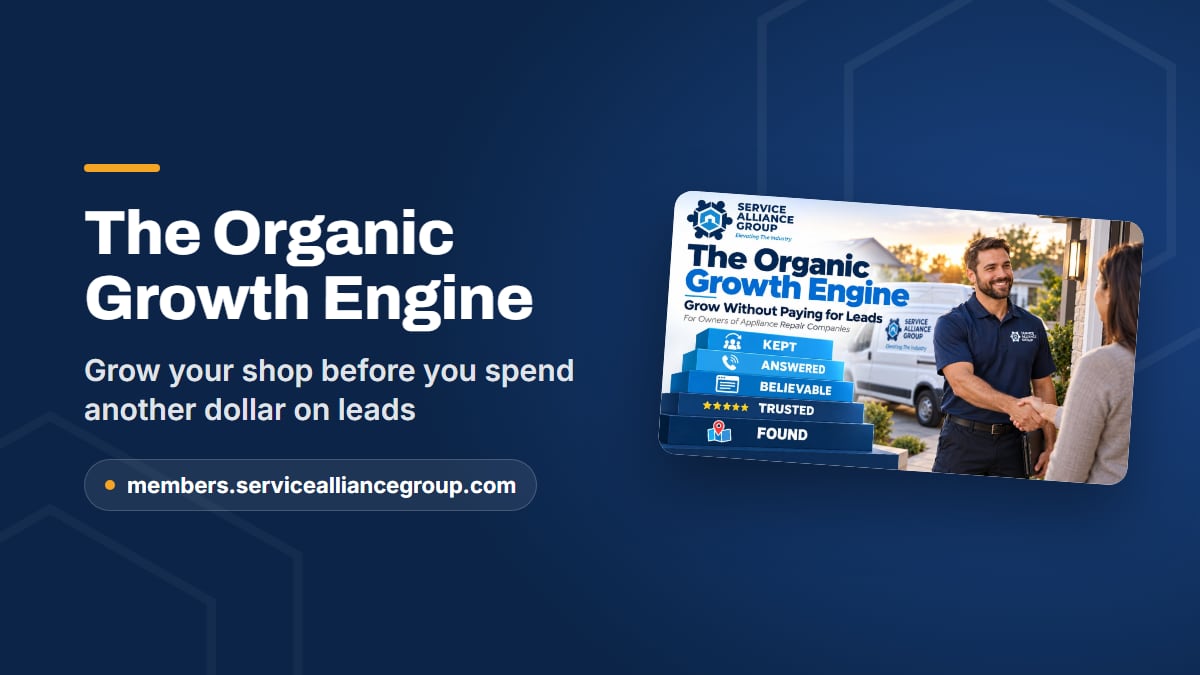
A strong profile gets you found in local search. Turning that into booked jobs takes a whole system built around it, which is what The Organic Growth Engine teaches.
Mike Carson, who runs a marketing agency built around this industry, covers everything a home service company should do before spending on ads, in five layers: found without paying, trusted before they call, a website that holds up, a human who answers and books, and customers who come back and refer. The course runs 47 short lessons and more than four hours, with 11 downloadable build sheets and trackers, a final exam, and a certificate.
Your Google Business Profile gets its own lessons, including "What the Profile Controls, and Getting Verified." The course also covers Apple Business and Bing Places, Yelp, citations, social and Nextdoor, reviews and the current rules, websites and pricing pages, answering and booking, follow-up and referral partners, and how AI assistants pick companies to recommend.
If you want to compare notes with other owners first, The Alliance, our free private Facebook group, has more than 5,500 appliance repair business owners.
Frequently Asked Questions
What if someone else controls my Google Business Profile?
Ask them to make you the primary owner first. If they will not, the next step depends on your setup. For a service-area business with no shop or office customers visit, Google's help page says to contact Business Profile support and ask to transfer ownership of the listing. For a storefront or hybrid business, you can request access: the current owner has 3 days to respond, and if they do not, you may get the option to claim the profile, though not always.
Can I use a call tracking number on my Google Business Profile?
Be careful. Google's guidelines call for a number under your direct control that connects to your business, local where possible, and they do not allow numbers that send callers to another business. The safest setup keeps your real main line as the primary number. The Performance report plus asking every caller how they found you covers most tracking needs.
Do photos and posts help my local search ranking?
Google lists adding photos and videos among its tips to improve local ranking, but it does not publish how much photos or posts count, and nobody outside Google knows for sure. Treat them as proof for the homeowner: a real van, real techs, current hours, and current news. An appliance repair profile that looks active and honest helps the caller decide either way.
Why haven't my profile edits shown up?
Google reviews edits to verified profiles before they go live. That usually takes up to 10 minutes but can take up to 30 days, and Google may not accept a change it cannot confirm. Make one change at a time, keep your website and other listings matching, and have proof such as your business registration ready in case Google asks.
Pick the fix you skipped and do it this week. Your Google Business Profile is free, the rules are public, and an honest, current listing is one of the cheapest ways an appliance repair shop can earn more calls from local search.