
Appliance Service Manuals: 5 Smart Ways to Find the Right One Fast
Appliance service manuals are the difference between a tech who tests and a tech who guesses. The right document, for the right model, in hand within a couple of minutes, turns a code on a display into a test procedure and a part number. The wrong document, or twenty minutes spent hunting for the right one, turns the same call into a guess, a second trip, or both.
Finding the right one fast matters to the owner who wants every truck working from the same source, and to the tech who is tired of pinching and zooming through a 180-page PDF while the customer watches. This guide is written for appliance repair businesses. It stays on finding and using the documents, not on repair steps, and nothing here is meant for homeowners.
Table of Contents
What Appliance Service Manuals Actually Are
"The manual" is really five different documents, and a lot of wasted time comes from looking for the wrong one. Here is what each one does.
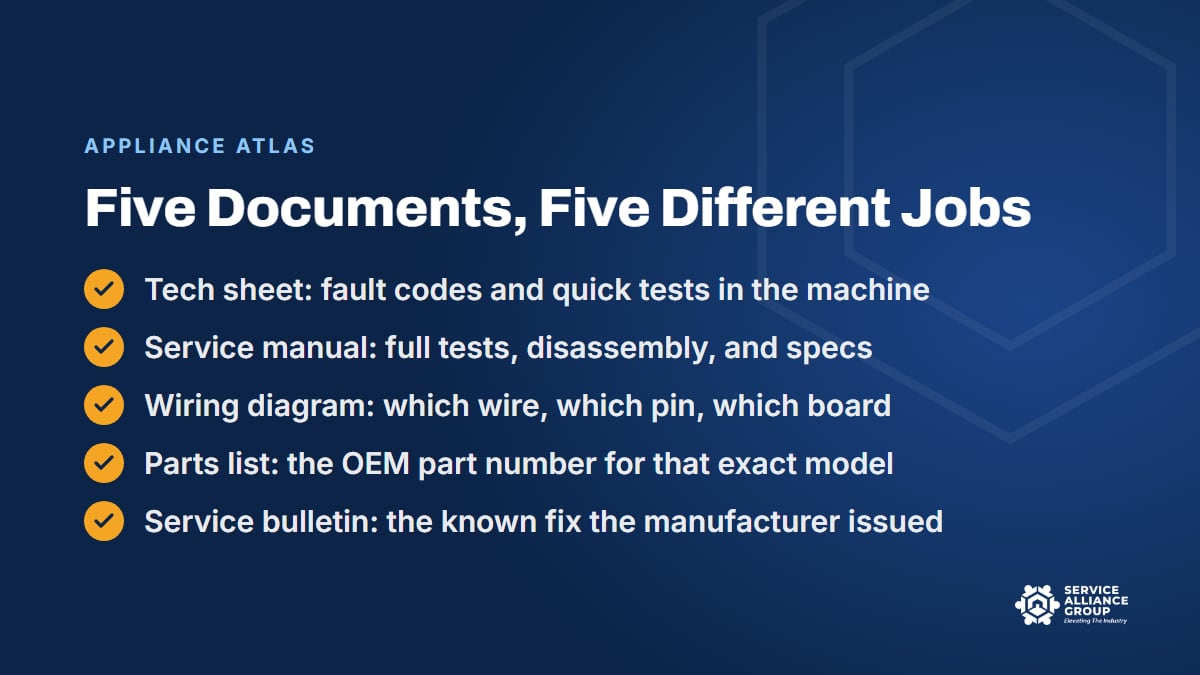
The tech sheet. A folded sheet that many manufacturers tuck inside the machine: behind the kick plate, in the console, taped inside a panel. It often carries the fault code table, how to enter diagnostic mode, quick component tests, and a small wiring diagram. For a lot of calls it is the only document the tech needs, and it is already on site.
The service manual. The full document for a model or a platform. Theory of operation, disassembly steps, component tests with the expected readings, the fault codes, and the specifications. It is long because it is complete, and its safety pages are not filler: they are where the manufacturer tells you where the hazards are on that machine. Employers have safety responsibilities to the techs they send into customers' homes, and OSHA is the place to read up on what those responsibilities cover.
The wiring diagram. The schematic that shows how every component connects: which wire, which connector, which pin on which board. When the test procedure says to check for voltage at a certain point, the wiring diagram is how the tech finds that point without pulling the whole machine apart.
The parts list. The exploded view and the numbered list of OEM part numbers for that exact model. This is where a tech confirms the part number after the diagnosis, before checking whether that number has been superseded.
The service bulletin. A notice the manufacturer issues after the machine shipped: a known problem, a revised part, a software update, a changed procedure. Bulletins are easy to miss, and one of them can explain a repeat failure that nothing else does.
None of these is the owner's manual. The owner's manual is the booklet the customer has, and it does not include the component tests a tech needs. When a customer says they "read the manual," that is the one they mean.
1. Start With the Full Model Number and the Serial
Every one of those documents is tied to a model number, and often to a range of serial numbers within that model. Two machines with the same name on the front can carry different boards, different sensors, and different fault code tables, depending on the suffix at the end of the model number and the production run in the serial. A manual that is close is a wrong manual.
So the first step is boring and non-negotiable: get the full model number and the serial from the tag, not from the brand and the color. Tag locations vary, but common spots include inside the door, on the door jamb, behind the kick plate, on the back near the cord, and behind the storage drawer on some ranges.
The tech should photograph the tag on every call, and the CSR should ask the customer to text a photo of it at booking. Our CSR phone skills guide covers how to ask for it.
With the full model number, the search for the service manual usually takes one try instead of several. Without it, the tech is guessing which of a dozen similar documents applies, and that guess is the first place a wrong part comes from.
2. Look for the Tech Sheet in the Machine First
Before anyone opens a browser, open the machine. When a manufacturer puts a tech sheet inside, it is there for exactly this moment, and for a lot of first-visit diagnoses it is the right document: the code table, the quick tests, the diagnostic mode. It is also the fastest, because it is already in the room.
Make it a habit in the first five minutes of every call, and train new techs to look for it before they reach for a phone. The tech sheet is also the document to photograph when it is found, because the next tech on that model will want it, and the copy in the machine stays in the customer's basement.
Two cautions. Tech sheets go missing, especially on machines that have been serviced before, so a missing sheet tells you nothing about the model. And the sheet is a subset of the service manual: when it does not cover the fault, the full document is the next stop, not a guess.
3. Go to the Manufacturer's Portal for the Full Service Manual
Many manufacturers run online portals for servicers, where they post current service manuals, wiring diagrams, parts lists, and service bulletins. Access rules vary by brand, and so do the requirements to register, so this is office work, not truck work: registering the business, keeping logins current, and knowing which brands require what.
Treat the portal as the source of truth, because that is usually where bulletins and revised documents show up first. A copy of a manual downloaded four years ago will not include the revised procedure or the superseded part number that a bulletin introduced since. When a repeat failure does not make sense, the bulletin on the portal can be the missing piece.
Getting set up on every brand you service is worth an afternoon, and it is the kind of setup that never gets done unless someone owns it. The S.O.S. Course covers OEM portals, so a new owner can get set up before the first stuck job instead of during it.
4. Build One Shared Library for the Whole Crew
Chances are your shop already has a library. The problem is that it lives in five places: a tech's personal phone, another tech's email, a folder on the office computer, a bookmarks bar, and a filing cabinet with the tech sheets somebody pulled in 2019. When a tech leaves, their half of the library leaves with them.
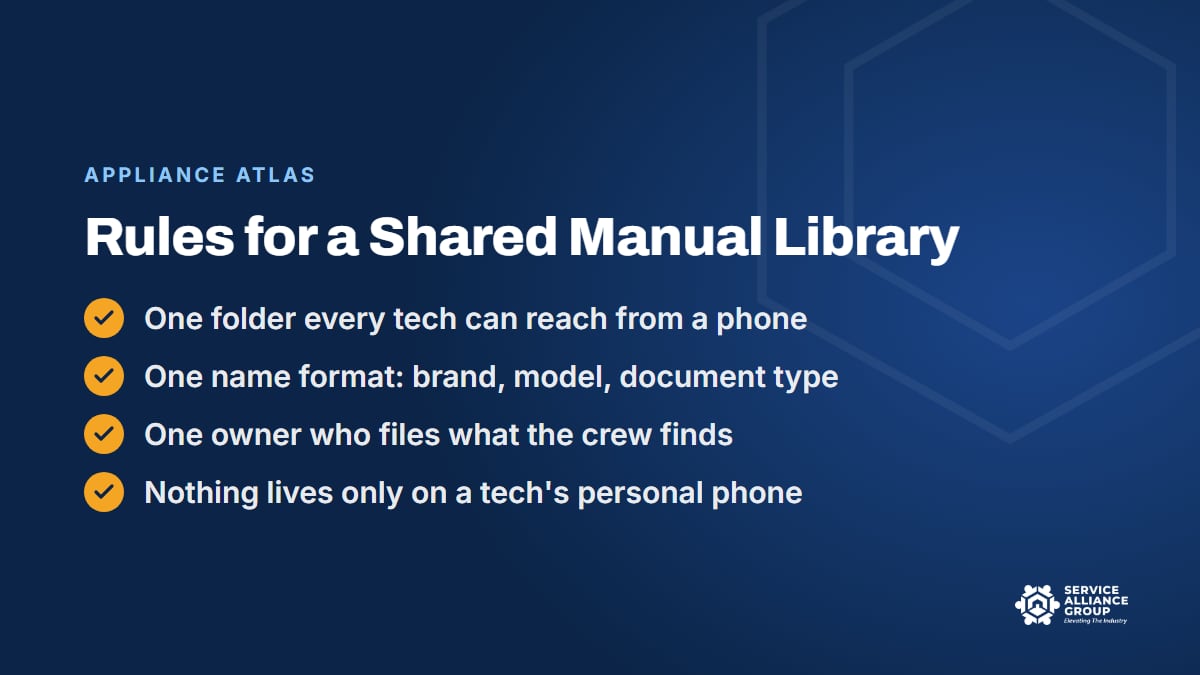
Put it in one place every tech can reach from a phone in the field, and give it three rules:
- One name format. Brand, full model number, document type, in that order, so a search by model number finds everything for that machine.
- One owner. Someone in the office files what the crew finds. Techs send the photo of the tech sheet or the downloaded PDF to one address, and the owner of the library names it and files it.
- Nothing lives only on a tech's phone. If a manual was worth downloading, it was worth filing.
Write those three rules down as a procedure and put it in the onboarding packet, so a new tech learns the library on day one. Our guide to writing appliance repair SOPs shows how to keep one that short and still get it followed.
Then be honest about the limit. A shop's own library is only as big as the models its techs have already seen. The first call on a new model still means a hunt, and a homegrown library never carries the service bulletins you have not heard about yet. That is the gap a bigger library fills.
5. Read It on a Phone Without Losing Your Place
Finding the manual is half the job. Reading a 180-page PDF on a phone in a laundry room is the other half, and it is where a lot of the twenty minutes goes. A few habits make it survivable.
- Download the PDF before walking into a basement or a garage where the signal drops.
- Use the search function inside the PDF for the code or the component instead of scrolling. The fault code table, the test procedure, and the wiring diagram are usually in three different parts of the document.
- Zoom on the wiring diagram and screenshot the section you need, so you are not re-finding it with wet hands.
- Note the page numbers for the code table and the test procedure in the job notes, because the callback tech will want them.
These habits help, and they still leave a tech reading a document that was designed to be printed and bound, on a screen the size of a hand, while a customer waits. The better version of step five is a tool that finds the page for you and answers from it. That is what we built.
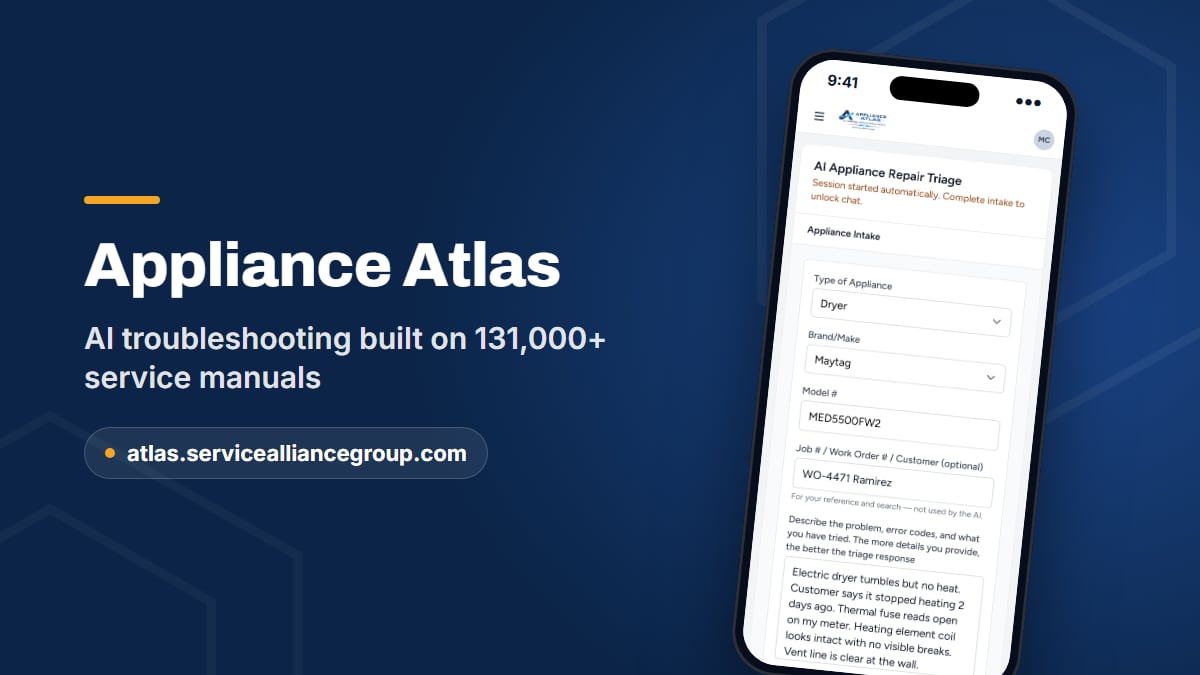
Appliance Atlas: 131,000+ Service Manuals and AI That Answers From Them
Appliance Atlas holds a library of 131,000+ manuals: tech sheets, full service manuals, wiring diagrams, parts lists, and service bulletins. The tech enters the brand, model, and symptom, Atlas pulls the documentation for that exact model, and it answers from that documentation: what the code means on that machine, the test procedure, and the component checks.
It lines up with the habits above. The tech can download the full manual as a PDF to read the page. Searches are saved and searchable, and seats cover the whole crew, so the newest tech and the best tech read from the same document.
If a model is missing, the tech can request it from inside the app. And when the test points to a part, Atlas confirms the OEM part number against a live wholesale catalog, with price and stock, before you order.
The former Service Manual Library is part of Atlas now, with the AI on top of it. Atlas was built for a phone in the field, because that is where the twenty minutes were being lost. We introduced it in our Appliance Atlas announcement, and our guide to appliance error codes shows how a grounded answer changes the diagnosis. You can put it to work at atlas.servicealliancegroup.com.
Frequently Asked Questions
What is the difference between a tech sheet and a service manual?
The tech sheet is the folded sheet many manufacturers leave inside the machine, with the fault code table, the diagnostic mode, quick tests, and a small wiring diagram. The service manual is the full document for the model: theory of operation, disassembly, complete test procedures with expected readings, and specifications. Start with the tech sheet on site, and go to the service manual when it runs out.
Where do I find appliance service manuals for a specific model?
Start with the tag: the full model number and the serial. Check the machine for the tech sheet, then the manufacturer's servicer portal for the current service manual, wiring diagram, parts list, and any service bulletins. A shared shop library covers the models you have already seen, and Appliance Atlas covers 131,000+ manuals with AI that answers from them.
Can I use a service manual for a similar model?
Only as a last resort, and only with the tech knowing it is a substitute. Sister models can carry different boards, sensors, fault code tables, and part numbers, and a close-enough manual is where wrong parts come from. If the exact document is not in your library, request the model from inside Appliance Atlas, or check the manufacturer's portal for the current version.
Should our CSR ask for the model number when booking?
Yes, every time, and ask for a photo of the tag by text rather than a reading over the phone. With the full model number in the job notes, the office can pull the right tech sheet or service manual before the visit and the tech can stock the likely part. It takes the customer a minute and can save the shop a second trip.
The right document, for the right model, in two minutes: that is the whole goal. Build the habits, build the library, and give every truck the same source. If you want to compare notes with other owners on how they keep their appliance service manuals in order, The Alliance community on Facebook is a good place to do it.