Appliance Error Codes: 7 Smart Ways Techs Diagnose Faster
Appliance error codes are supposed to be a shortcut. The control board watched the machine fail, wrote down what it saw, and put it on the display so the tech would not have to start from zero. In theory, the tech reads the code, tests the part it points at, and fixes the machine on the first trip.
In practice, that shortcut turns into a wrong part and an unpaid second visit more often than any owner would like. Often the reason is predictable: the code was read, but it was not read right. It was read from memory, from a forum, or from a chatbot, instead of from the service manual for that exact model.
This is not a repair tutorial, and we are not going to publish code definitions for real brands, because they can change from model to model. It is the owner's view of how a short code on a display becomes either a one-trip fix or a return trip, and seven habits that push your shop toward the first.
Table of Contents
Why Appliance Error Codes Mean Different Things on Different Models
The code on the display was written by the software on that model's control board. Manufacturers reuse the same short labels across product lines, and what a label means can change between model years and revisions. Nothing about a label like E4 or F2 is standard across the trade, or even across one brand's catalog.
Take a made-up example. Call the code E4. On one washer it flags a sensor reading out of range. On a sister model two years newer, the same E4 label points at a communication fault between two boards. A tech who "knows E4" from the first machine and orders a sensor for the second just bought your shop a second trip and a restocking fee.
That is why the source matters more than the code. Forum posts and video comments capture what one person found on one machine on one day. A general chatbot blends all of that together and answers with confidence it has not earned. The service manual and tech sheet for the exact model come from the manufacturer that programmed the code, and they are the documents that tell you what triggers it and how to confirm it.
Appliance error codes are still worth reading. They are the start of the diagnosis, not the end of it.
1. Get the Code and the Model Number Before the Truck Rolls
The fastest diagnosis starts on the phone. When the customer says the machine is "showing an error," the CSR should ask for the code exactly as it appears, letters and numbers, and read it back. Some displays make a letter look like a number, so a photo by text beats a verbal description every time.
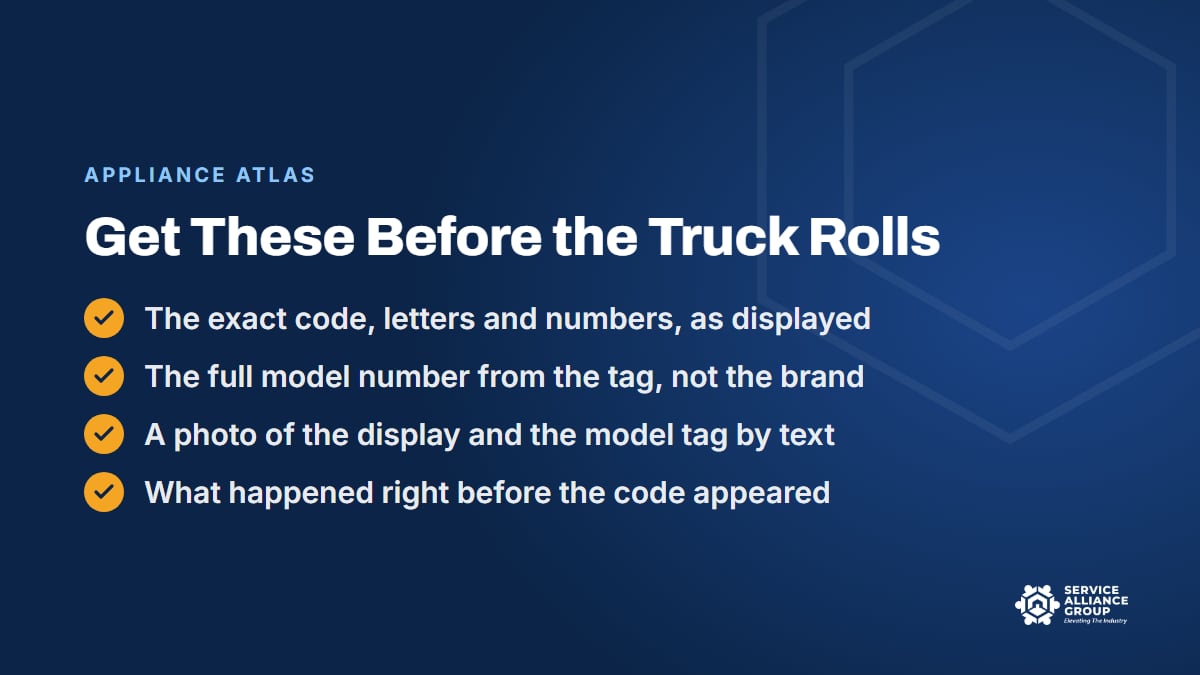
Ask for the model number in the same call. Give the customer a hint about where the tag lives: inside the door, on the door jamb, behind the kick plate, on the back near the cord. A photo of the tag saves the CSR from taking down a model number letter by letter, and it saves the tech from guessing from the brand name.
With the code and the model in the job notes, the office can pull the service manual before the visit and the tech can stock the likely part. That can be the difference between one trip and two, and it adds only a minute or two to the call. Our CSR phone skills guide covers the intake questions, and the pre-service checklist covers what to do with the answers.
One caution. The CSR gathers the code. The CSR does not diagnose over the phone, quote a repair off the code, or tell the customer what to try. The diagnostic fee pays for the test procedure, and error codes are only the first clue.
2. Read the Code From the Service Manual for That Exact Model
Once the tech is in front of the machine, the code table that counts is the one in the service manual or the tech sheet for that model number, down to the suffix. Not the brand's most common model. Not the one the tech fixed last week. That model.
Many machines have a tech sheet tucked inside, behind the kick plate, in the console, or taped inside a panel, and it often carries the fault code table and the quick tests for that unit. If it is there, use it first. When it is missing, or the tech needs more than the sheet gives, the full service manual is the next stop. If your techs struggle to find those documents fast, that is a library problem, and it is fixable.
Here is a simple test for any source of appliance error codes: does it name the model, and does it come with a test procedure? A forum answer that says "E4 is always the sensor" fails both. A chatbot answer that sounds sure but cannot show you the page fails too. The service manual passes both, which is why the tech's time is better spent finding it than reading anything else.
3. Ask What Happened Right Before the Code
Error codes tell you what the board saw. The customer can tell you what led up to it. Before the tech opens a panel, a two-minute customer interview narrows the list. Was the machine mid-cycle or idle? Did the power flicker? Was it just installed, moved, or serviced by someone else? Did anyone try a fix from a video?
Some error codes are triggered by a condition rather than a failed part: a door that did not latch, an overloaded drum, a kinked drain line, low voltage at the outlet. The manual's test procedure will get there eventually. The customer's story can get there in one question, and it keeps a tech from replacing a part that was never broken.
Many controls also store the last few codes, and the service manual for that model usually explains how to read them. A code that has been recurring for weeks tells a different story than one that appeared once during a storm, and both stories matter when the customer asks whether the machine is worth fixing.
4. Confirm the Code With the Test Procedure Before You Order
A code usually points to a circuit or a condition, not a specific part. A generic heating fault could be the element, a safety thermostat, a relay on the board, a loose connector, or the sensor that reports the temperature. Troubleshooting steps in a service manual usually put the quick, cheap checks ahead of the expensive part, and that order is there for a reason.
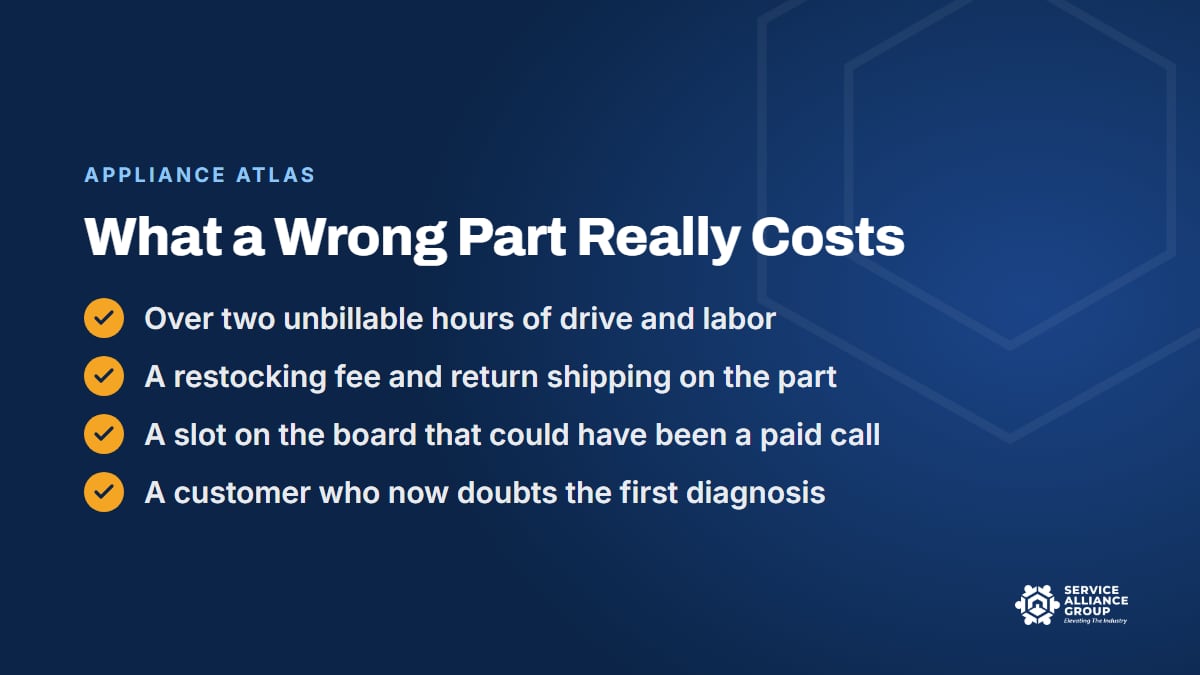
Ordering off the code alone skips every one of those tests. Sometimes the guess is right. When it is wrong, the shop eats the trip. Here is example math for a shop whose cost of doing business is $110 an hour. Run your own number with our free Cost of Doing Business calculator.
- Round-trip drive time for the return visit: 1.5 hours at $110 is $165.
- On-site time for the second visit: 45 minutes at $110 is about $83.
- Restocking fee on the returned part: 20 percent of a $95 part is $19.
- Return shipping: $12.
In that example, the wrong part cost roughly $280 on a job that may have billed $300. The slot on the dispatch board that visit took could have been a paid call, and the customer now has a reason to doubt the first diagnosis. Two of these a week comes to more than $550 in that example, which is a serious leak in a small shop.
One more reason to confirm before you commit: the test procedure tells you who should be on the job. When the manual's checks point into the sealed system on a refrigerator, the repair belongs to a tech with EPA Section 608 certification, which technicians need to service appliances that contain refrigerant. Knowing that before a part is ordered lets dispatch send the right tech the first time.
5. Check the Part Number Against the Parts List for That Model
The last place a good diagnosis goes wrong is the order. Once the test procedure has named the component, the part number still has to match the exact model, and part numbers get superseded, change partway through a production run, and differ between models that look identical from the front.
Pull the part from the parts list for that model, not from a search on the part's name. Then check price and stock with your distributor before you promise the customer a date. A part that is backordered for three weeks changes the conversation from "we will be back Thursday" to a real repair-or-replace talk, and the customer would rather have that talk now than after three weeks of waiting.
A written parts ordering procedure keeps this step from depending on memory. If your shop does not have one yet, the SOP Library has a Parts and Warranty category to start from, and our SOP Library announcement walks through all 13 categories.
6. Log the Code, the Test Result, and the Fix
The second time a model and a code show up on your board, the diagnosis should be faster than the first time. That only happens if the first tech wrote it down. Three lines in the job notes are enough: the code as displayed, what the test procedure showed, and what fixed it.
Over a year, those notes turn into one of the most useful references your shop owns, because they are about the machines your customers actually have, in your service area, worked on by your techs. They also make callbacks easier to sort out. When a machine comes back, the second tech can see what the first one tested instead of starting over.
Make it a habit, not a favor. Put the three lines in the closing checklist for every job, and read a handful of them in the weekly meeting. Our guide to improving first-time complete rates covers how those notes feed the numbers you track.
7. Give Every Tech the Same Reference
Picture a shop where one tech knows the error codes better than everyone else, and everyone else knows it. That tech's phone rings all day. Every call stops two jobs: the one the caller is on and the one the expert was on.
The fix is a reference every tech can reach, one that answers from the service manual for the model in front of them, so calling the expert becomes the exception instead of the routine. A shared library of manuals is the first version of that. A tool that finds the right page and reads it for the tech is the second.
Either way, the goal is the same. The diagnosis should not depend on which van showed up. When every truck reads appliance error codes the same way, from the same source, callbacks have fewer places to start and your best tech gets their day back.
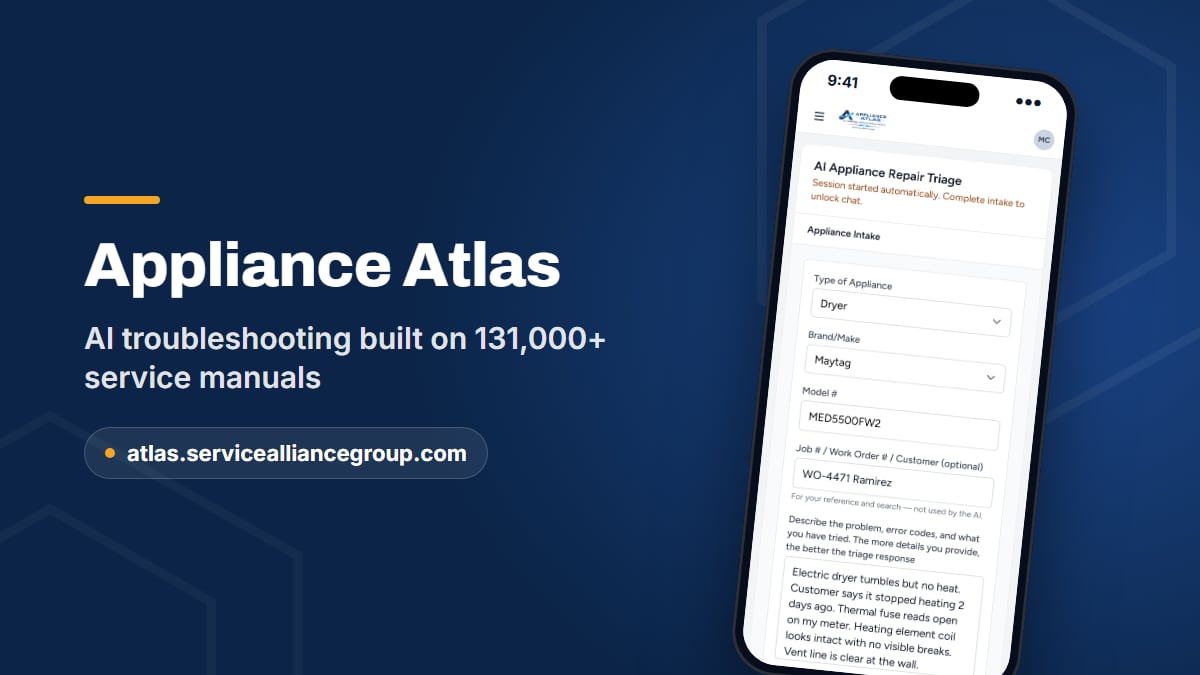
How Appliance Atlas Reads the Code From the Manual for Your Model
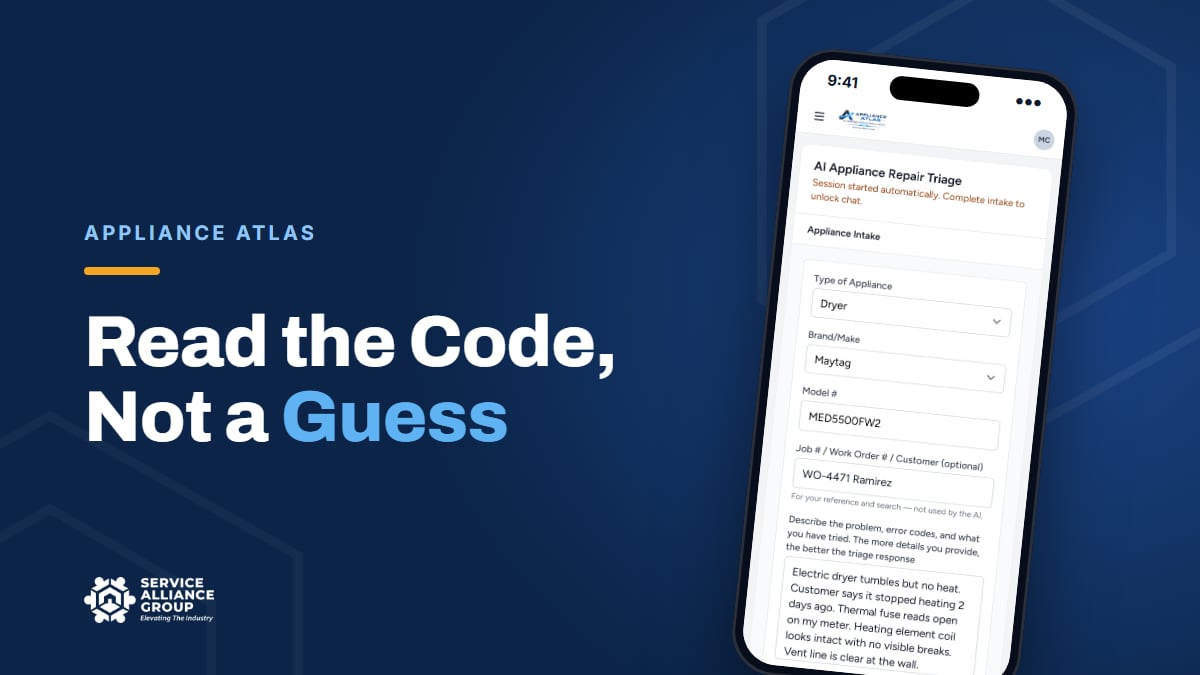
This is the problem we built Appliance Atlas to solve. The tech enters the brand, model, and symptom, including the code on the display. Atlas pulls the service documentation for that exact model from a library of 131,000+ manuals and answers from it: what the code means on that machine, the test procedure to confirm it, and the component checks.
When the test points to a part, Atlas confirms the OEM part number against a live wholesale catalog, with price and stock, before you order. Searches are saved and searchable, so an answer does not have to be found twice. There are seats for the whole crew, you can request a missing model from inside the app, and the tech can download the manual as a PDF to read the page itself.
It was built for a phone in the field, because that is where error codes get read. We introduced it in our Appliance Atlas announcement, and you can sign up at atlas.servicealliancegroup.com. Start with a code that cost you a second trip and see what the manual actually says.
Frequently Asked Questions
Are appliance error codes the same across brands?
No, and they are not always the same within one brand. Manufacturers reuse short labels across product lines, and the meaning can change between model years. The only reliable definition is the fault code table in the service manual or tech sheet for that exact model number. Treat any definition that does not name the model as a rumor.
Can a general AI chatbot tell me what my error codes mean?
It will answer, and that is the problem. A general chatbot does not have the service manual for your model in front of it, so it can fill the gap with what it has seen on forums and still answer with confidence. Use a source that shows you the manual page, or a tool like Appliance Atlas that answers from the documentation for that model.
Should the CSR ask the customer for the error code?
Yes. Ask for the code exactly as displayed and a photo of the model tag, then put both in the job notes so the office can pull the manual and the tech can stock the likely part. The CSR should never diagnose or quote a repair from the code. The diagnostic fee covers the test procedure.
What is the fastest way to look up appliance error codes for a specific model?
Start with the tech sheet inside the machine, then the service manual for that model number. If finding those takes your techs more than a few minutes, a shared library or a tool that already holds the manual and reads it for you is the fix. Appliance Atlas is both: a library of 131,000+ service manuals and AI that answers from them, on a phone in the field.
Error codes are a gift from the control board. Read them from the right document, confirm them before you order, and write down what you learned, and the gift keeps paying on every truck. When you want to compare notes on the shop side of it, from dispatch rules to parts ordering, bring your questions to The Alliance community on Facebook, where 5,500+ owners trade what is working.